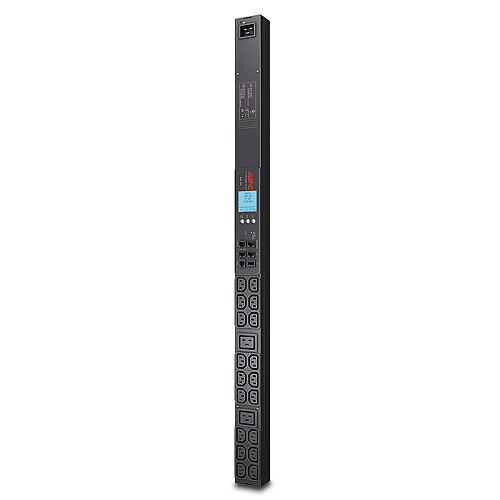
APC AP8858NA3 power distribution unit (PDU) Black
Rack PDU 2G, Metered, ZeroU, 20A, 208V, (18) C13 & (2) C19, L620 Cord
0 ratings
Product category
Vendor
Part number
On the market since
Warranty from APC
Details about the product
Specifications
|
||||||||||||||||||||||||||||||||||||||||
General product description from the vendor
PLEASE NOTE: Below description comes directly from the vendor and may describe information relating to the entire product-series. We also recommend that you verify that the product you are looking at has the specifications that you require before ordering. You are always welcome to chat with us we are happy to help with any information you may require.
Remote Management Capabilities
Full-featured network management interfaces that provide standards-based management via Web, SNMP, and Telnet. Allows users to access, configure, and manage units from remote locations to save valuable time. Associated with this feature is the ability to quickly and easily upgrade the firmware via network download to installed units for future product enhancements.
Local Current Monitoring Display
The aggregate current draw per power distribution unit is displayed on the unit via a digital display. The local digital display helps installers avoid overloaded circuits by providing a visible warning when the current draw is close to the maximum amperage draw of the strip.
Alarm Thresholds
Define alarm thresholds in order to avoid overloaded circuits. Network and visual alarms inform the user of possible problems. (Note: Only available on units with the current monitoring capabilities. Please see SKU specifications for availability)
Load indicator LED
Indicates overload and warning conditions based on the user-defined alarm thresholds. Alerts users of potential overloaded circuits.
Integrates with InfraStruXure Central
An IT-ready, scalable monitoring system that collects, organizes, and distributes critical alerts, surveillance video and key information, providing a unified view of complex physical infrastructure environments from anywhere on the network
Flash Upgradeable
Quickly and easily upgrade firmware via network download for future product enhancements. Eliminates the need to replace products already installed in the field when new features are released. (Note: Networked units only)
Full-featured network management interfaces that provide standards-based management via Web, SNMP, and Telnet. Allows users to access, configure, and manage units from remote locations to save valuable time. Associated with this feature is the ability to quickly and easily upgrade the firmware via network download to installed units for future product enhancements.
Local Current Monitoring Display
The aggregate current draw per power distribution unit is displayed on the unit via a digital display. The local digital display helps installers avoid overloaded circuits by providing a visible warning when the current draw is close to the maximum amperage draw of the strip.
Alarm Thresholds
Define alarm thresholds in order to avoid overloaded circuits. Network and visual alarms inform the user of possible problems. (Note: Only available on units with the current monitoring capabilities. Please see SKU specifications for availability)
Load indicator LED
Indicates overload and warning conditions based on the user-defined alarm thresholds. Alerts users of potential overloaded circuits.
Integrates with InfraStruXure Central
An IT-ready, scalable monitoring system that collects, organizes, and distributes critical alerts, surveillance video and key information, providing a unified view of complex physical infrastructure environments from anywhere on the network
Flash Upgradeable
Quickly and easily upgrade firmware via network download for future product enhancements. Eliminates the need to replace products already installed in the field when new features are released. (Note: Networked units only)
Accessories / Others also bought
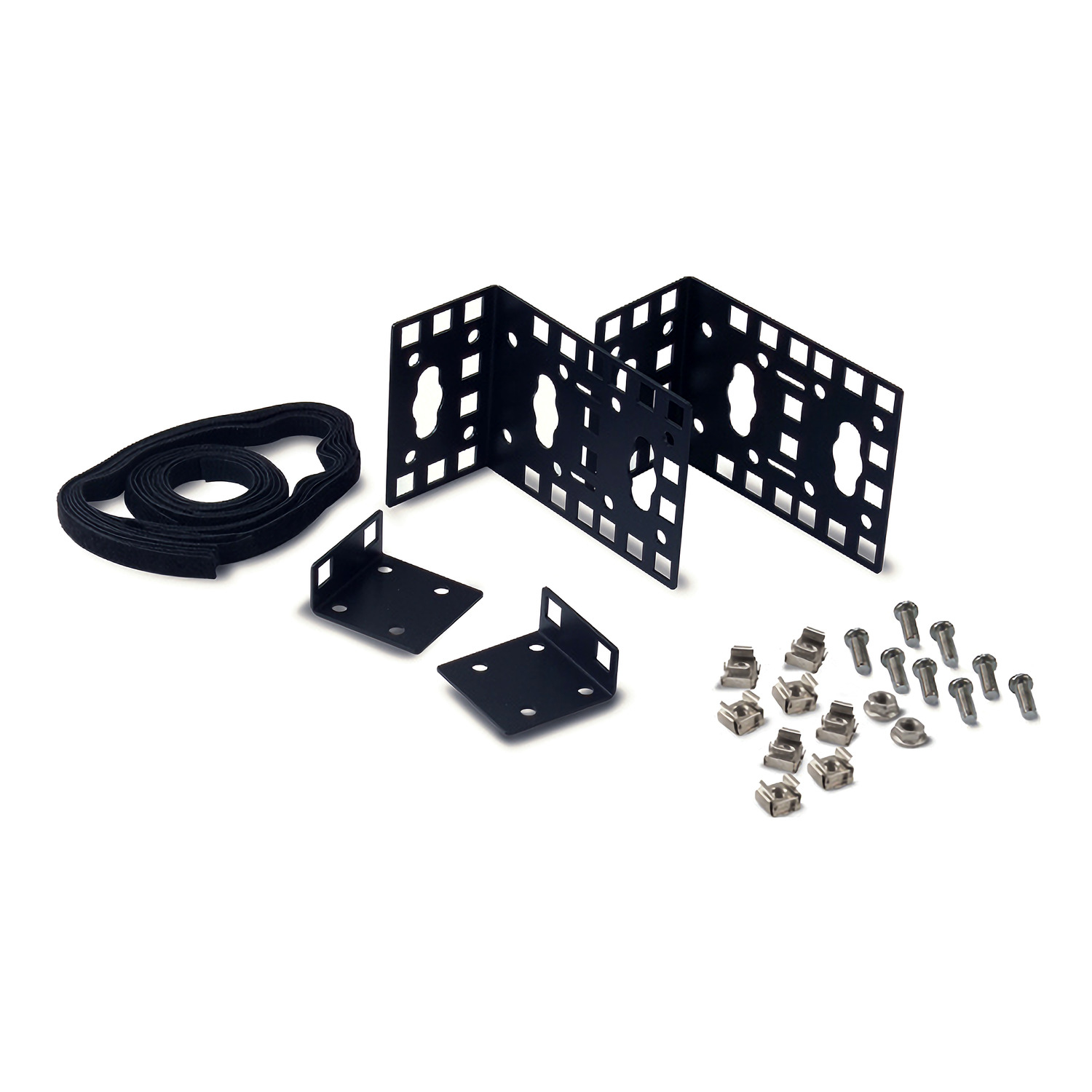
Mounting Kits
Please login to view prices
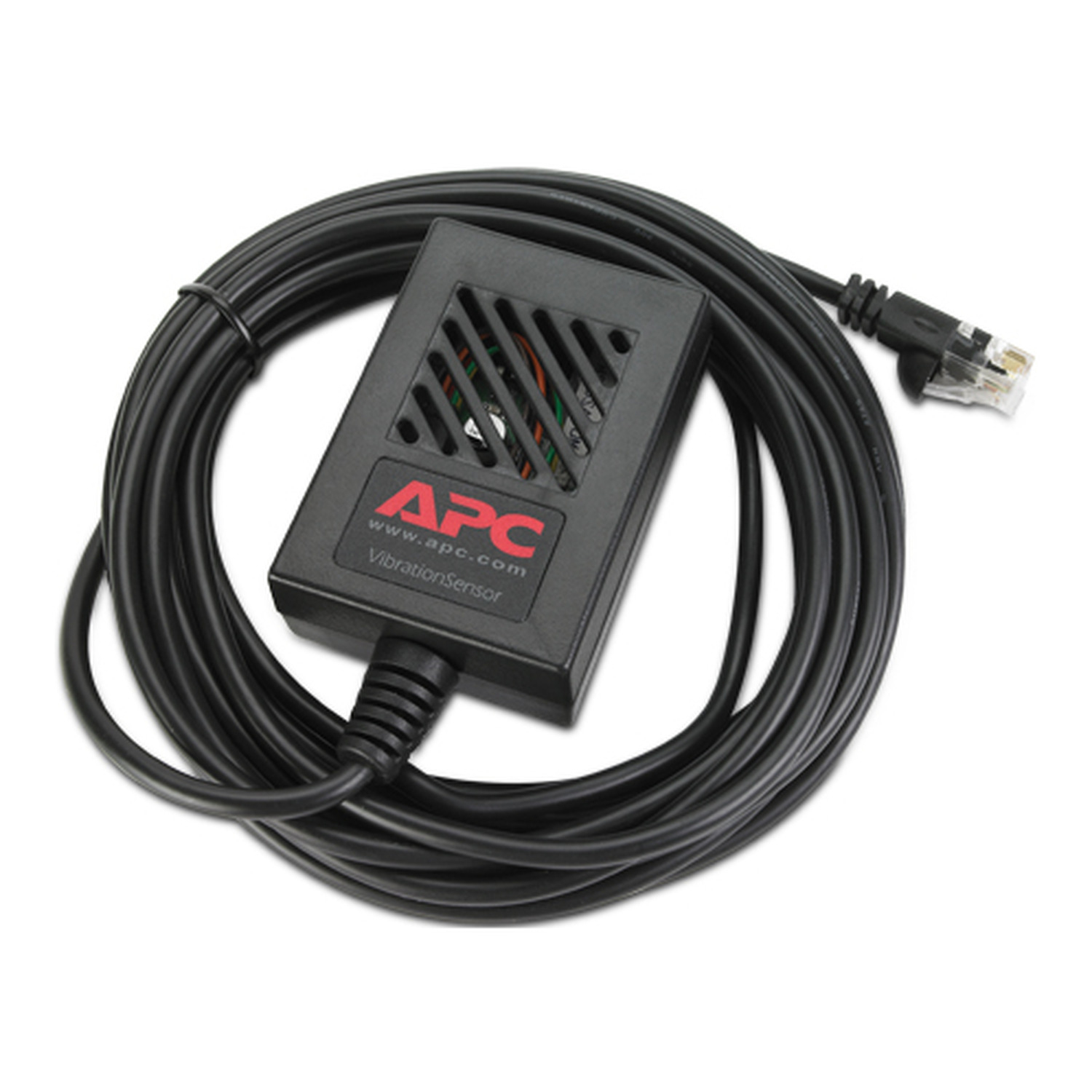
Motion Detectors
Please login to view prices
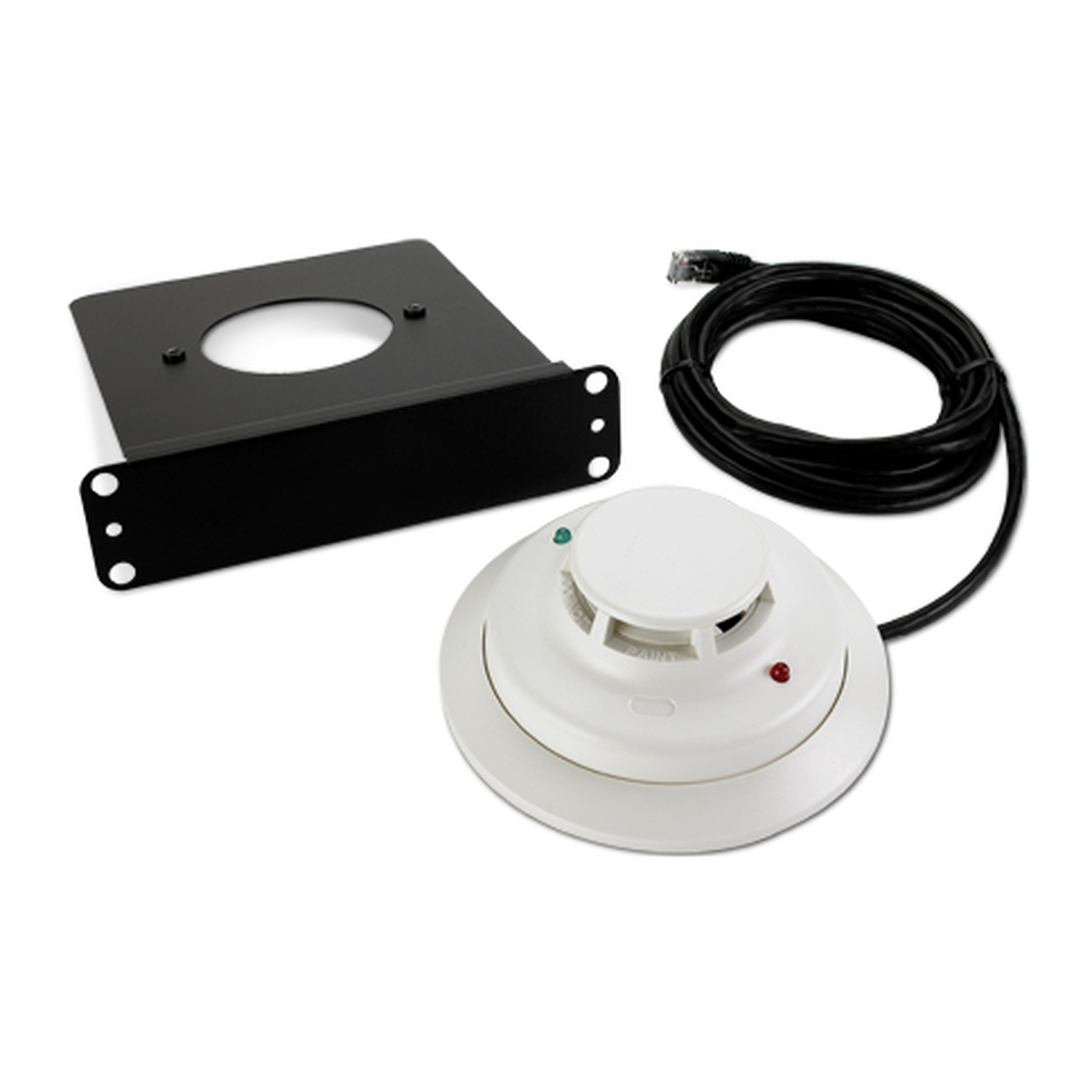
Smoke Detectors
Please login to view prices
Temperature Transmitters
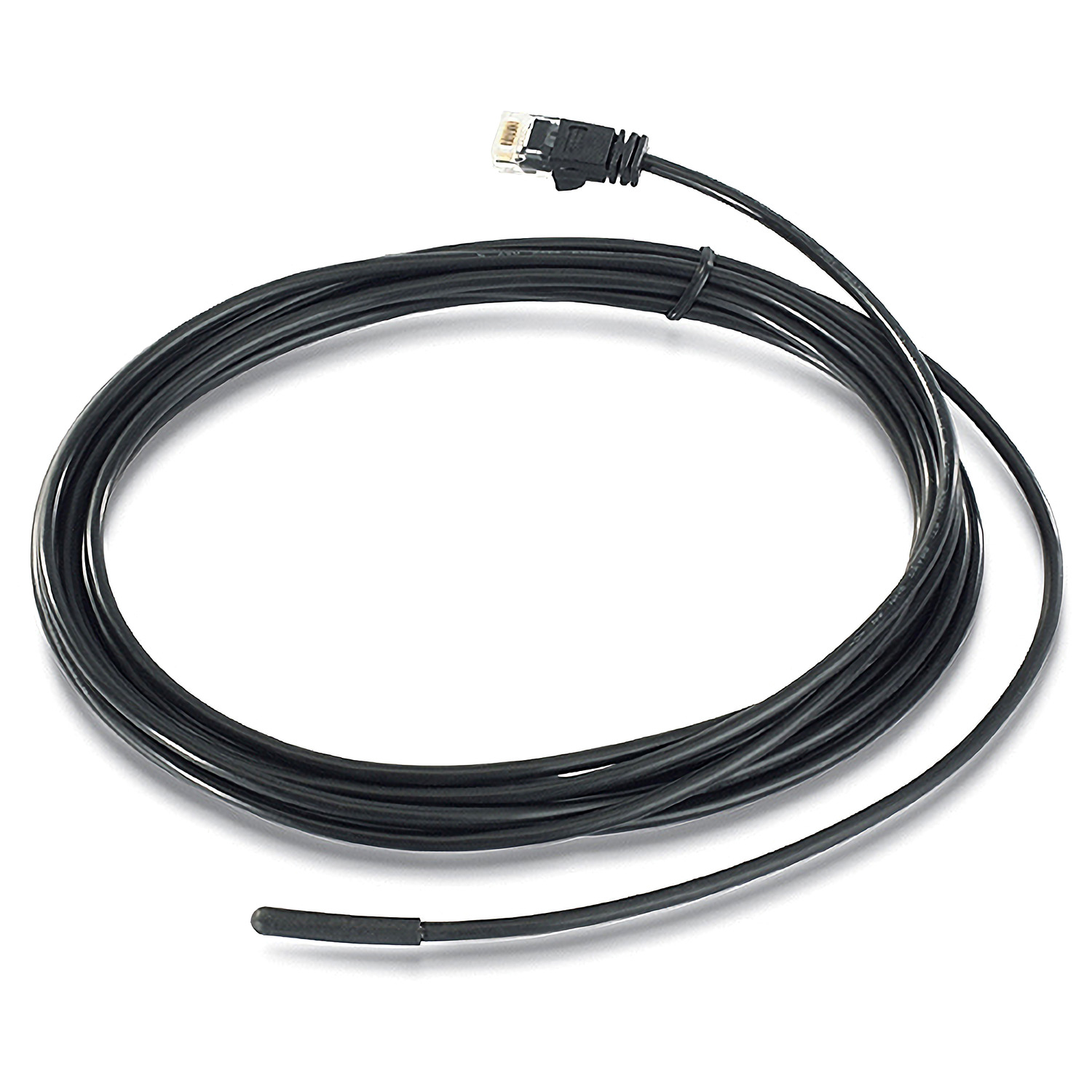
Please login to view prices
Temperature & Humidity Sensors
Please login to view prices
Warranty & Support Extensions

Please login to view prices
Network Equipment Spare Parts
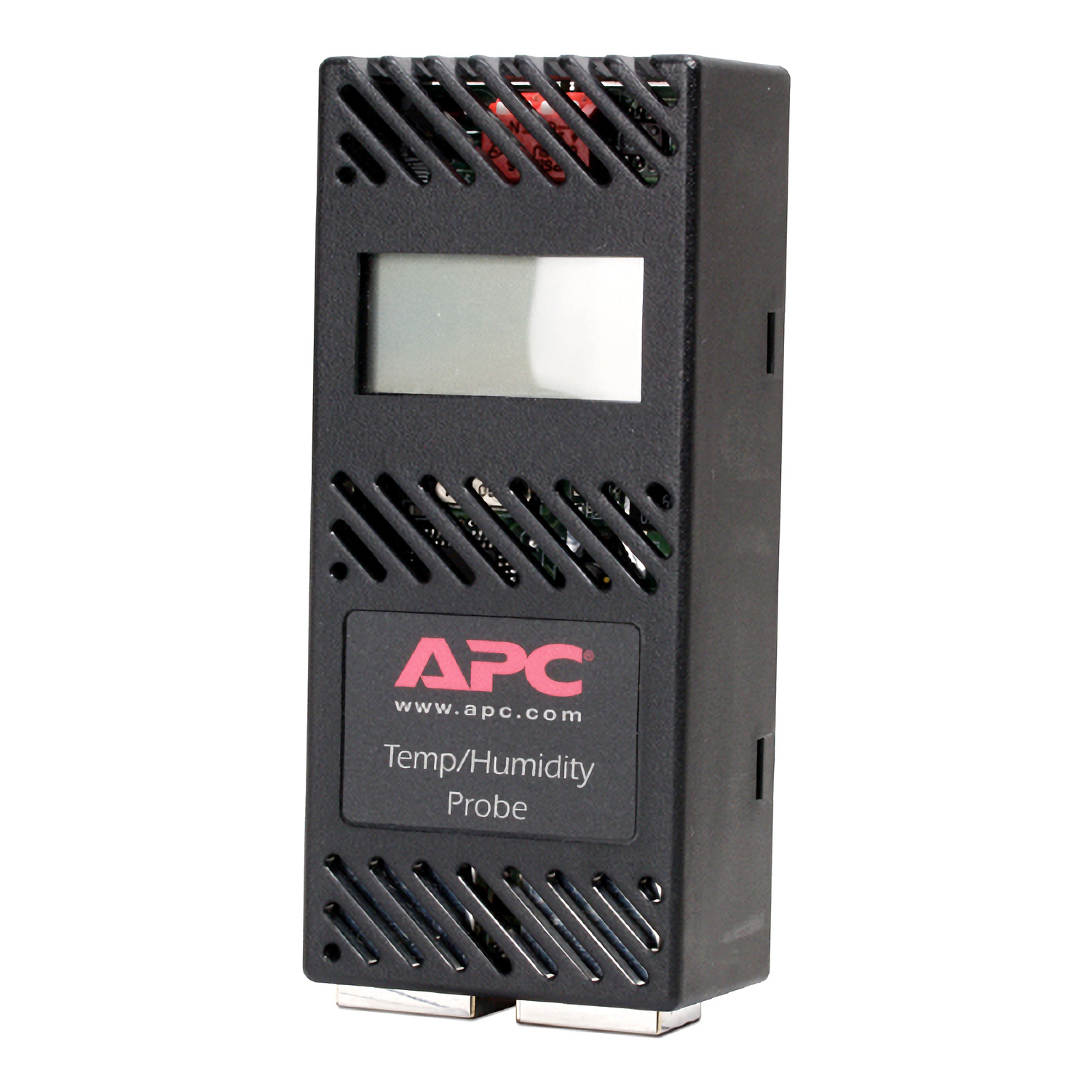
Please login to view prices
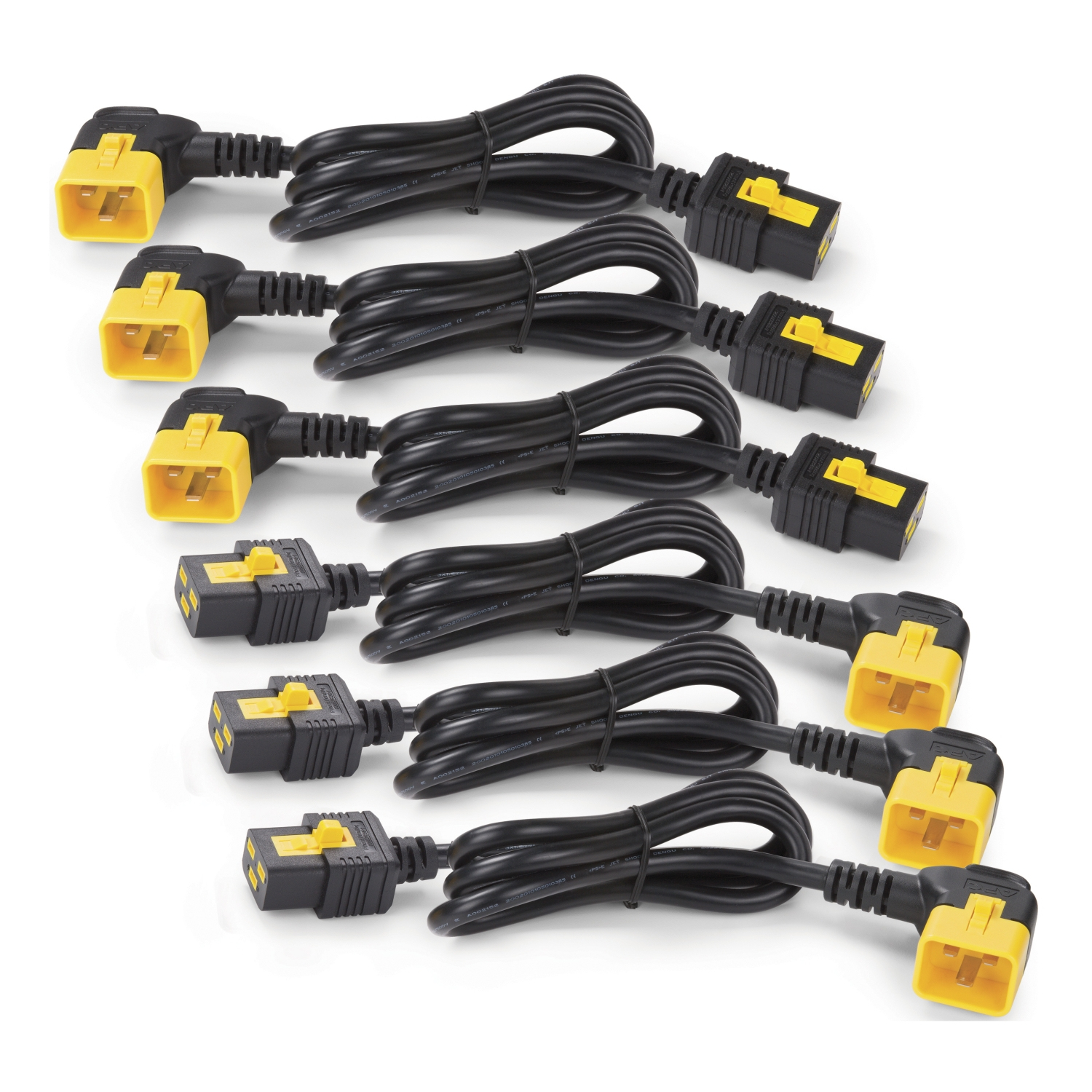
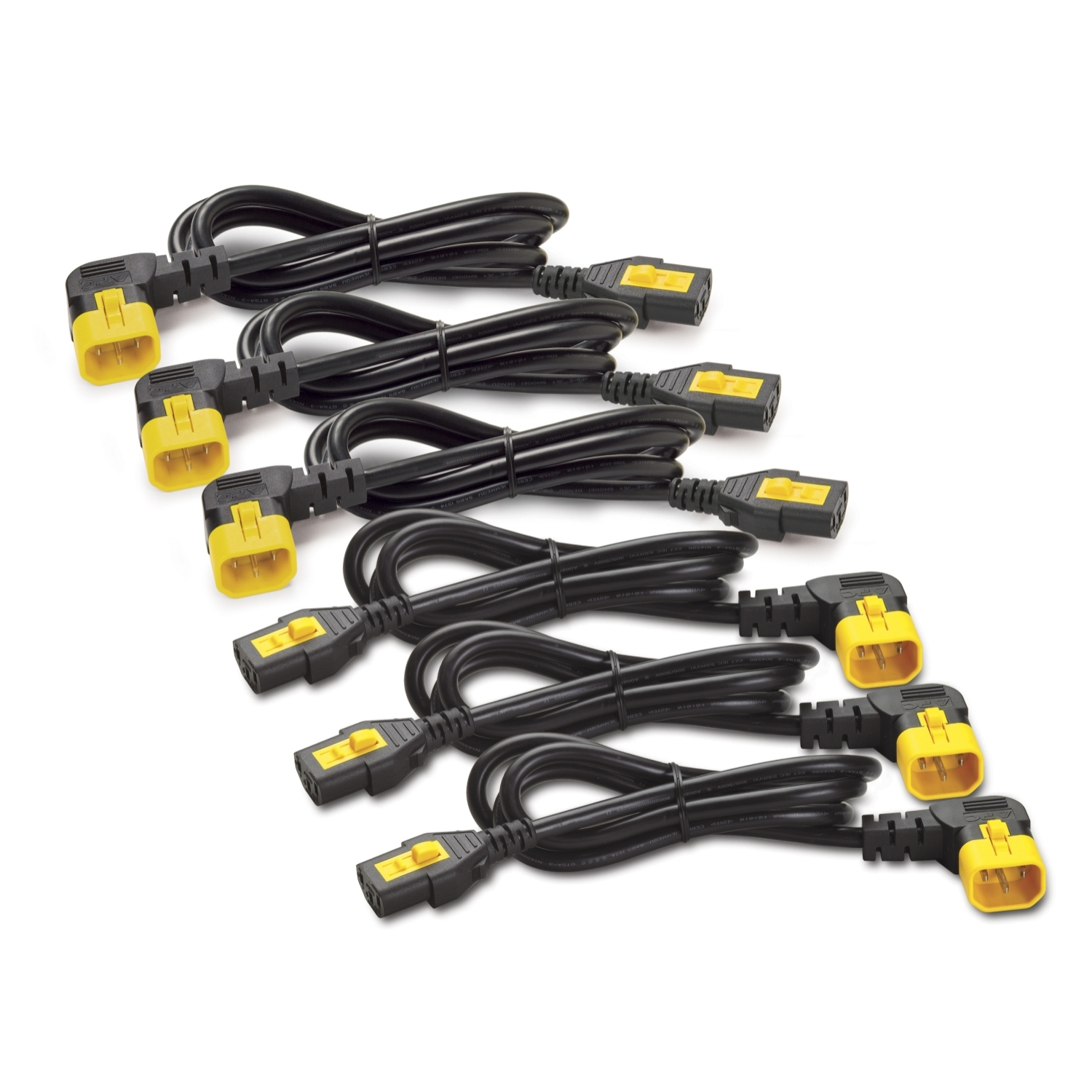
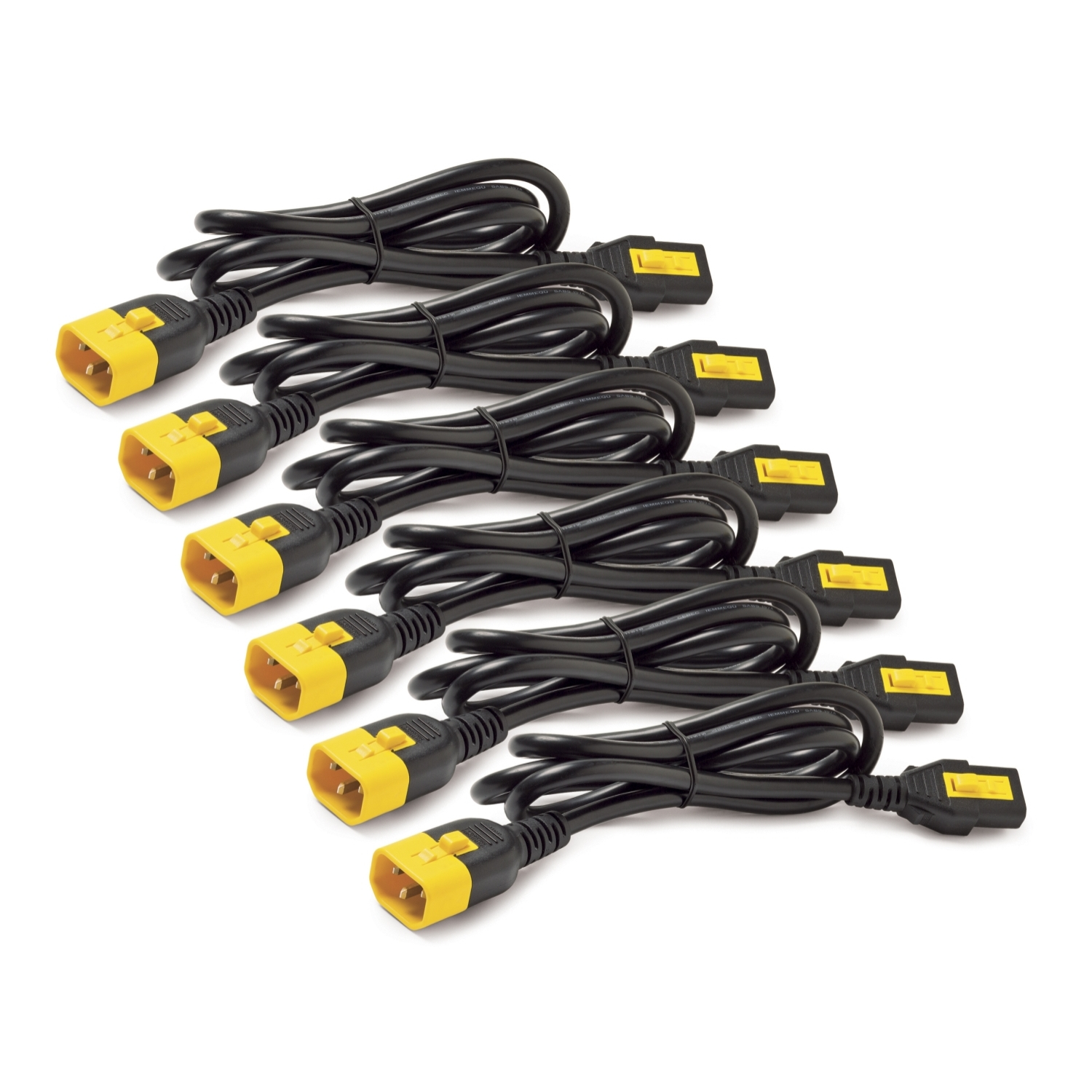
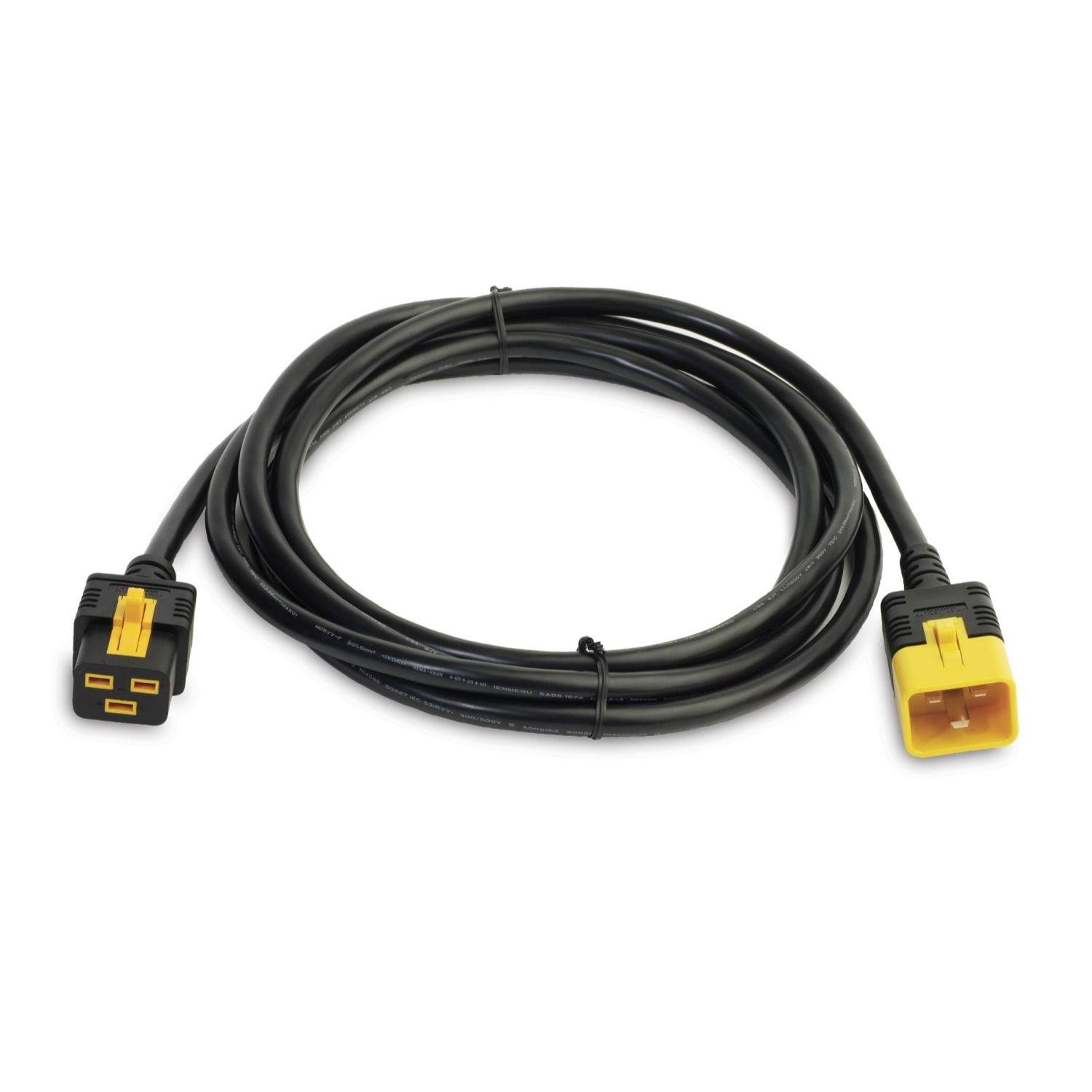
Power Cables
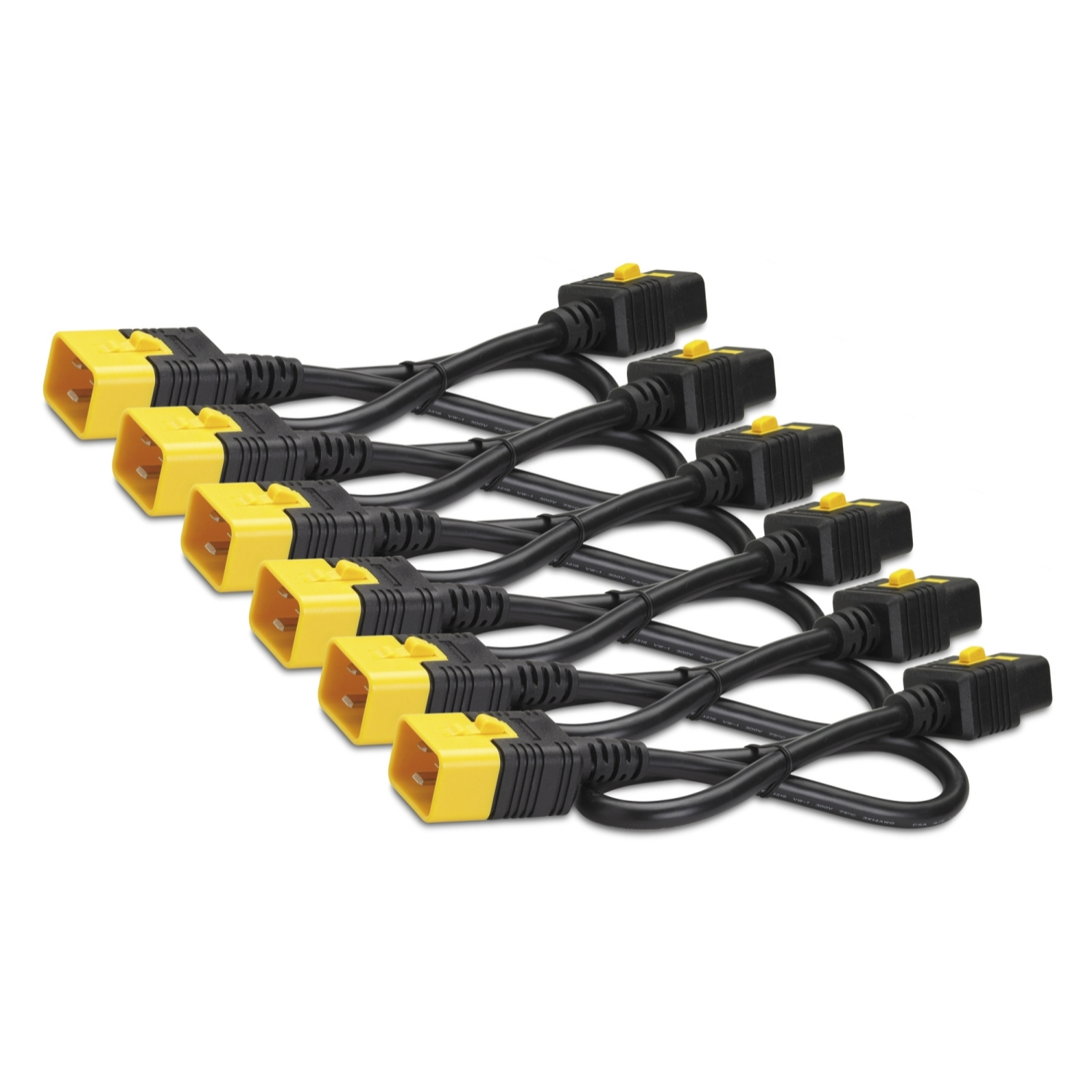
Please login to view prices
Please login to view prices
Please login to view prices


 Andorra
 Austria
 Belgium
 Bulgaria
 Croatia
 Cyprus
 Czechia
 Denmark
 Estonia
 Finland
 France
 Georgia
 Germany
 Greece
 Hungary
 Iceland
 Ireland
 Israel
 Italy
Italy Latvia
 Lithuania
 Luxembourg
 Malta
Malta Monaco
 Montenegro
 Netherlands
 North Macedonia
 Norway
 Poland
 Portugal
 Republic of Moldova
 Romania
 San Marino
 Serbia
 Slovakia
 Slovenia
 Spain
Spain Sweden
 Switzerland
 Turkey
 United Kingdom
 Canada
 Mexico
 United States
 Australia
 Philippines
 India
India Singapore
 United Arab Emirates