StarTech .com 3,5mm Klinke Audio Y-Kabel - 4 pol. auf 3 pol. Headset Adapter für Headsets mit Kopfhörer / Microphone Stecker - St/Bu - Headset-Splitter - 20 cm Haben Sie einen neuen Laptop oder ein Ultrabook gekauft und wissen nicht, wo Sie Ihr beliebtes Headset anschließen können?Die meisten neuen Laptops und Ultrabooks sind mit einem einzigen 3,5-mm-4-Position (4-poligen) Audioanschluss ausgerüstet, der (MUYHSMFF)
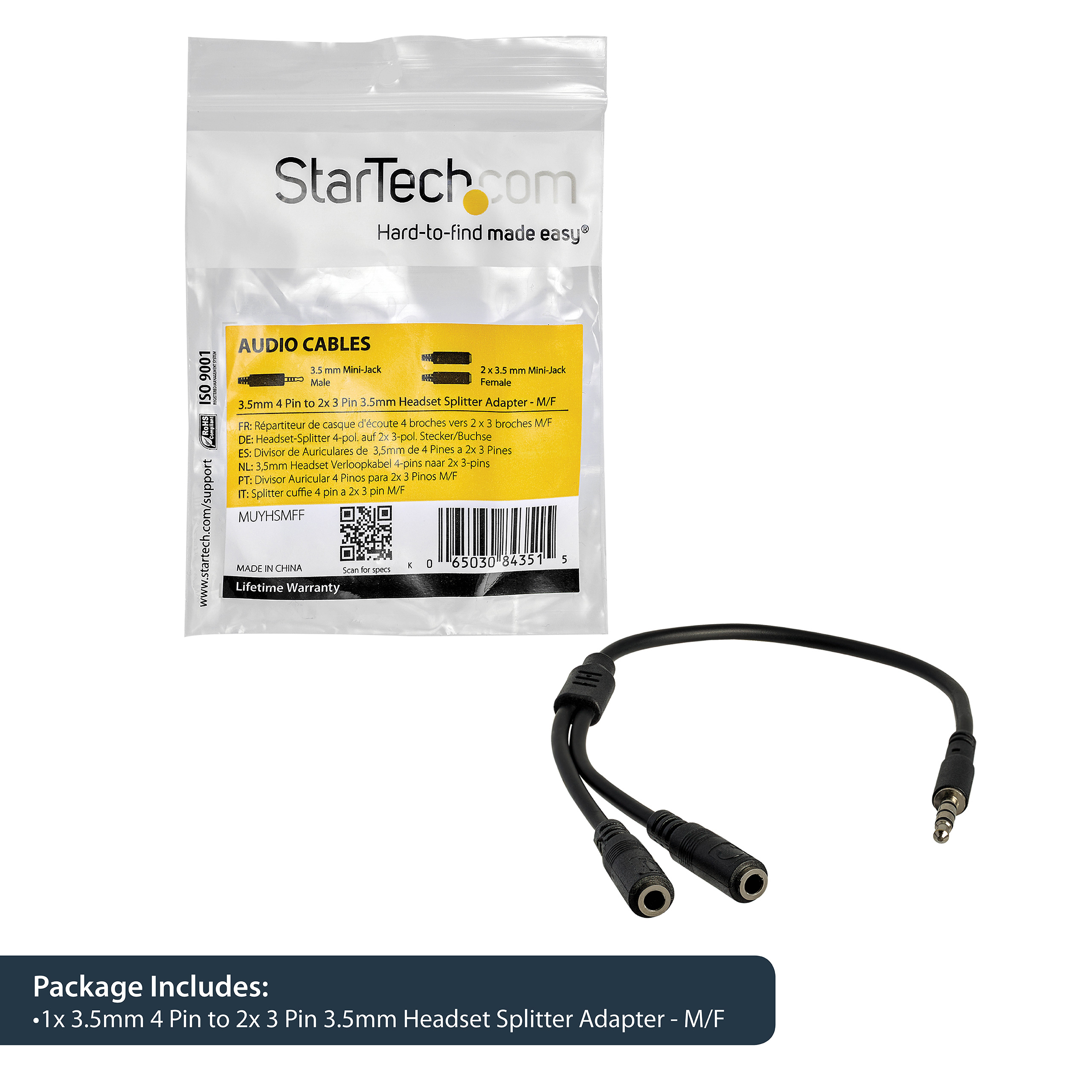
StarTech.com Headset Adapter, Microphone and Headphone Splitter - 3.5mm Male Aux to 3.5mm Female Audio & Mic Combo Jack Y Cable for Laptop / PC (MUYHSMFF)
0 ratings
Product category
Vendor
Part number
On the market since
Warranty from StarTech.com


Details about the product
Specifications
|
||||||||||||||||||||||||||
General product description from the vendor
PLEASE NOTE: Below description comes directly from the vendor and may describe information relating to the entire product-series. We also recommend that you verify that the product you are looking at has the specifications that you require before ordering. You are always welcome to chat with us we are happy to help with any information you may require.
Have you recently purchased a newer laptop or Ultrabook and now you can’t figure out where to plug in your favorite headset?
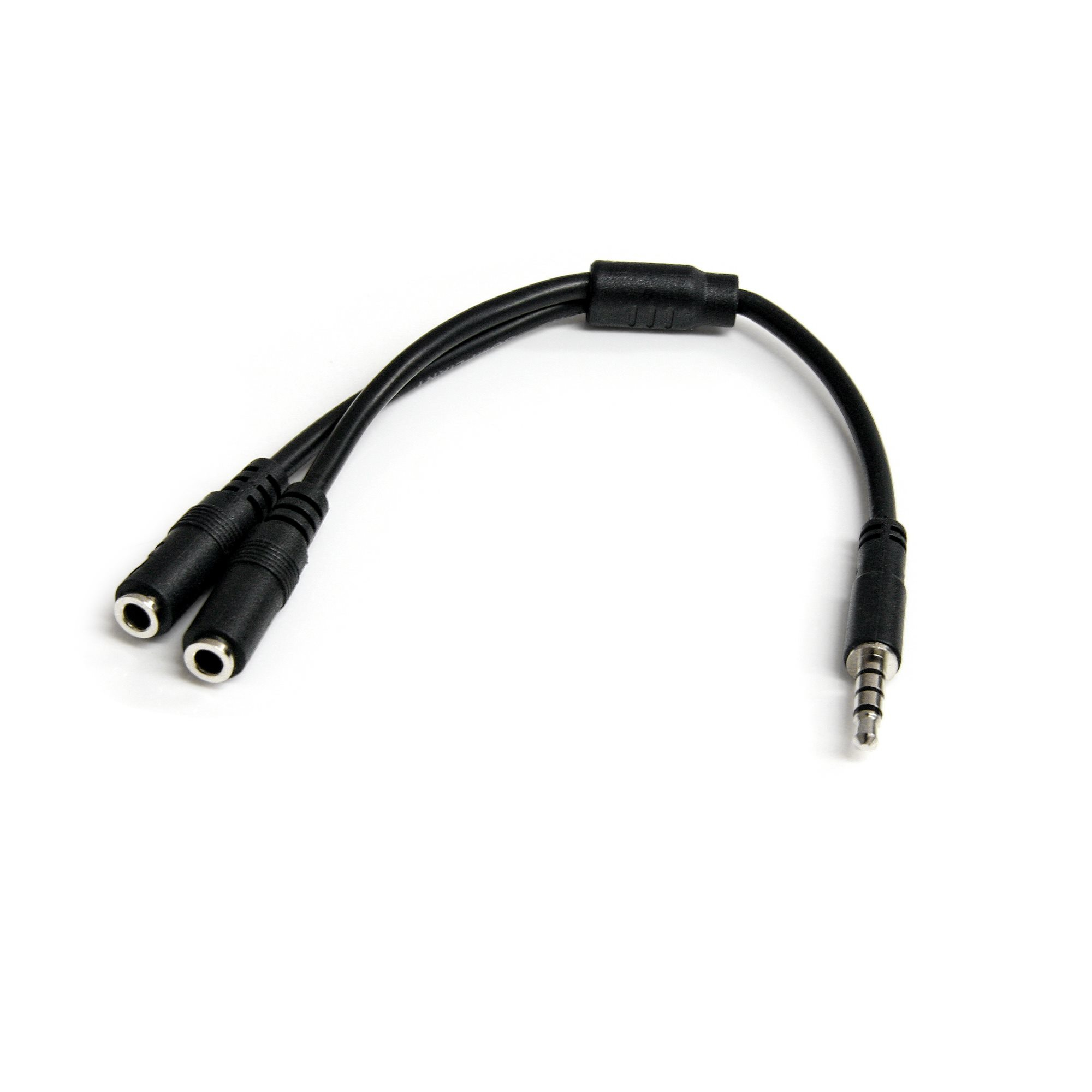
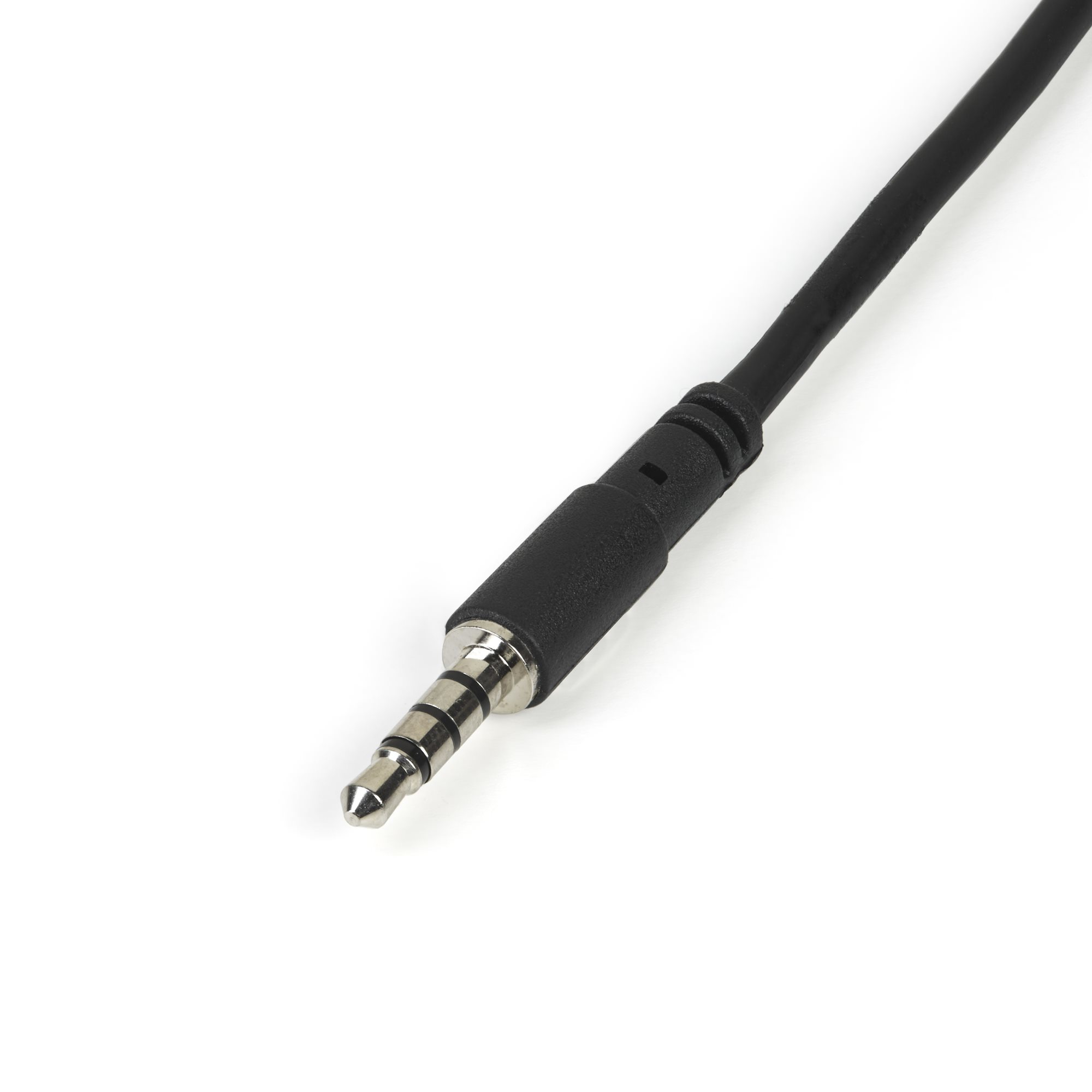
Most new laptops and Ultrabooks come equipped with a single 3.5mm 4-position (4pin) audio port that supports both audio input and output. A great number of headsets on the market come equipped with two separate headphone and microphone connectors that are not compatible with this new configuration.
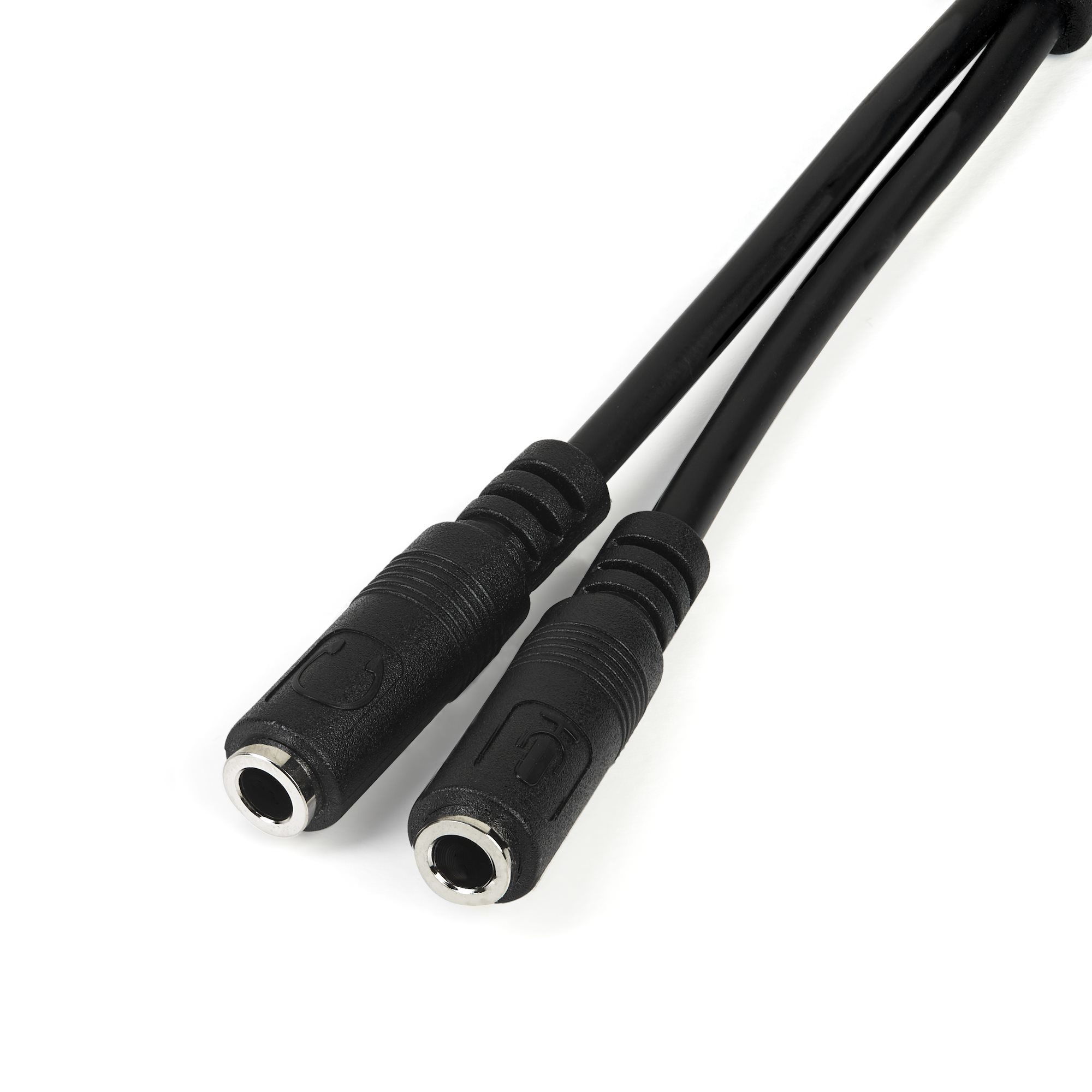
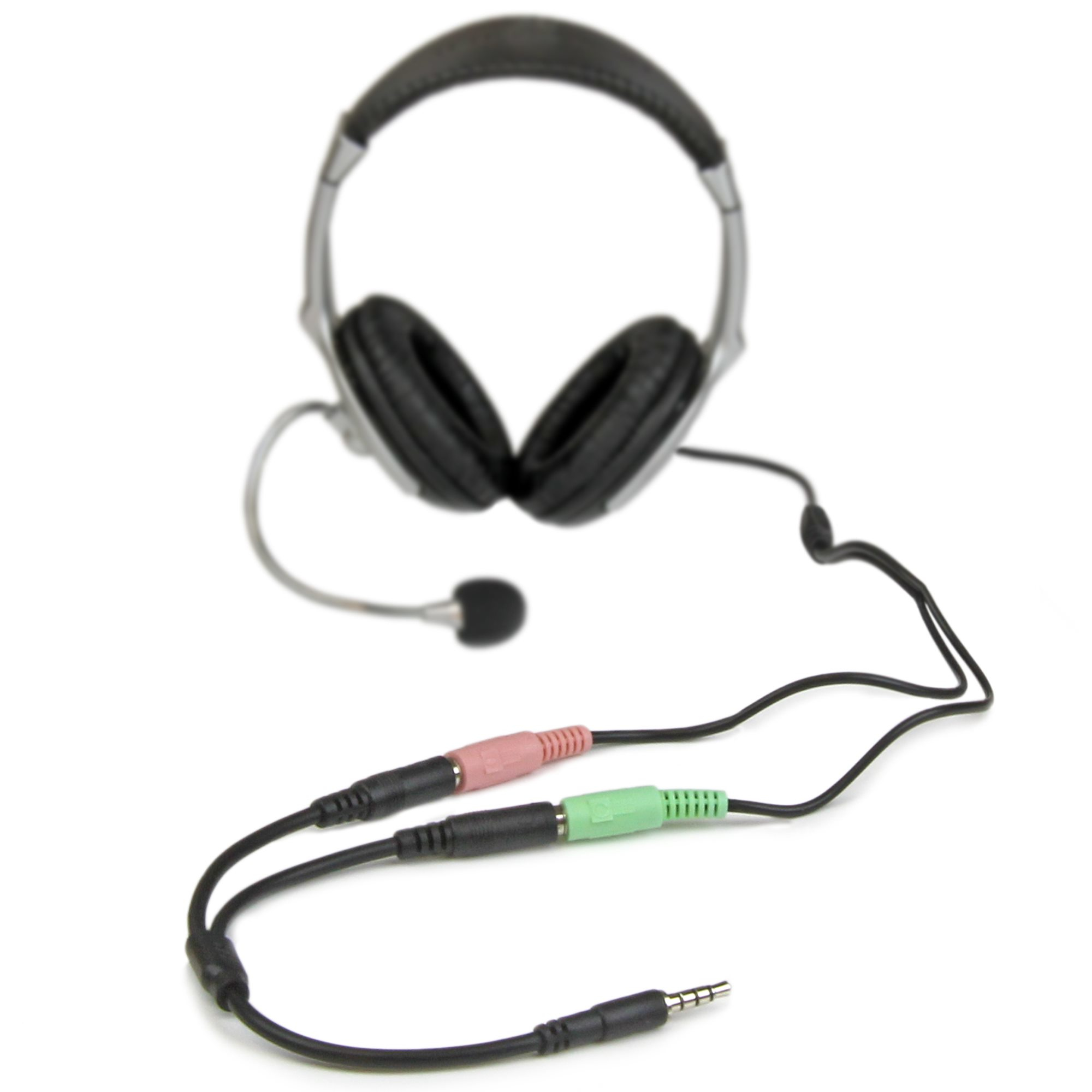
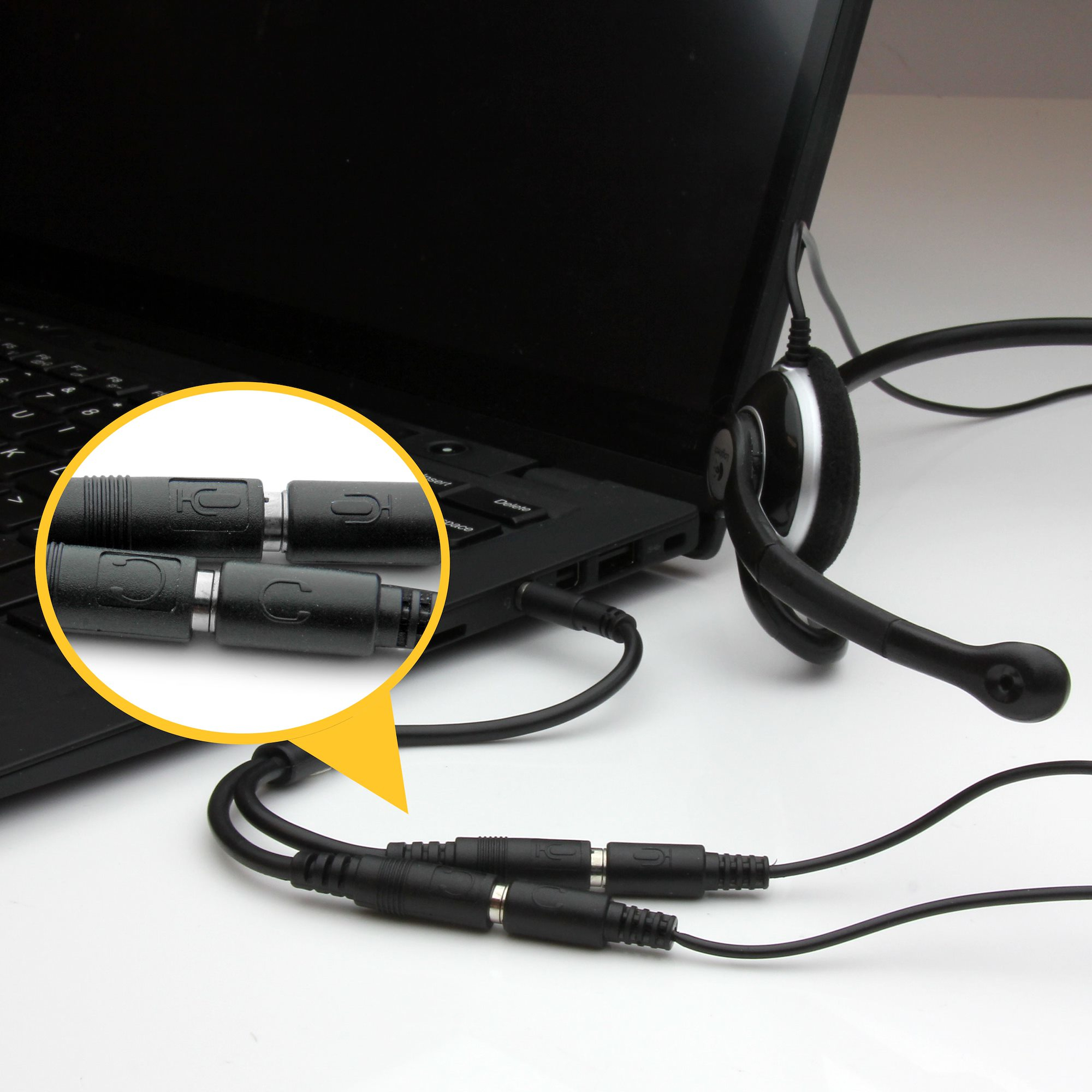
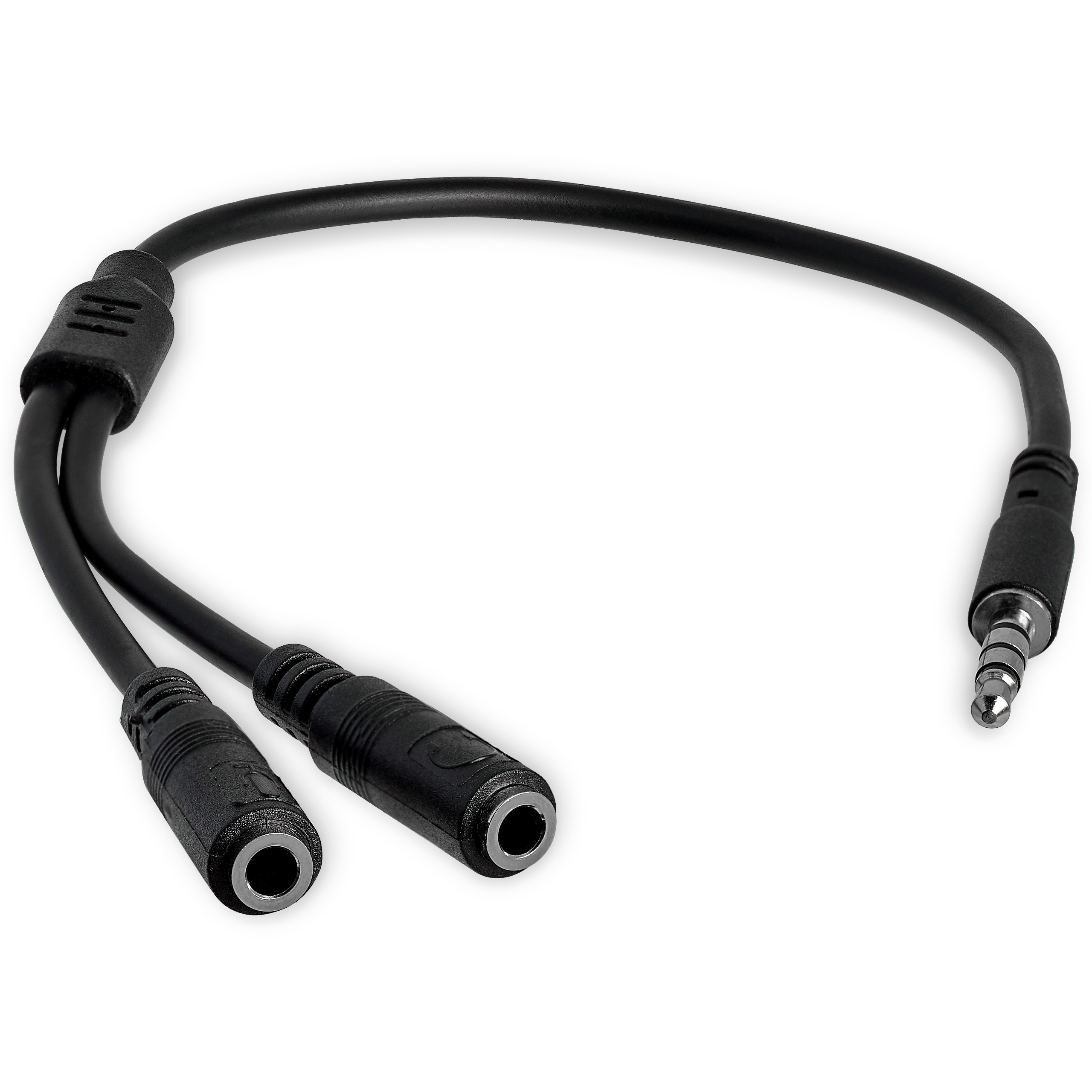

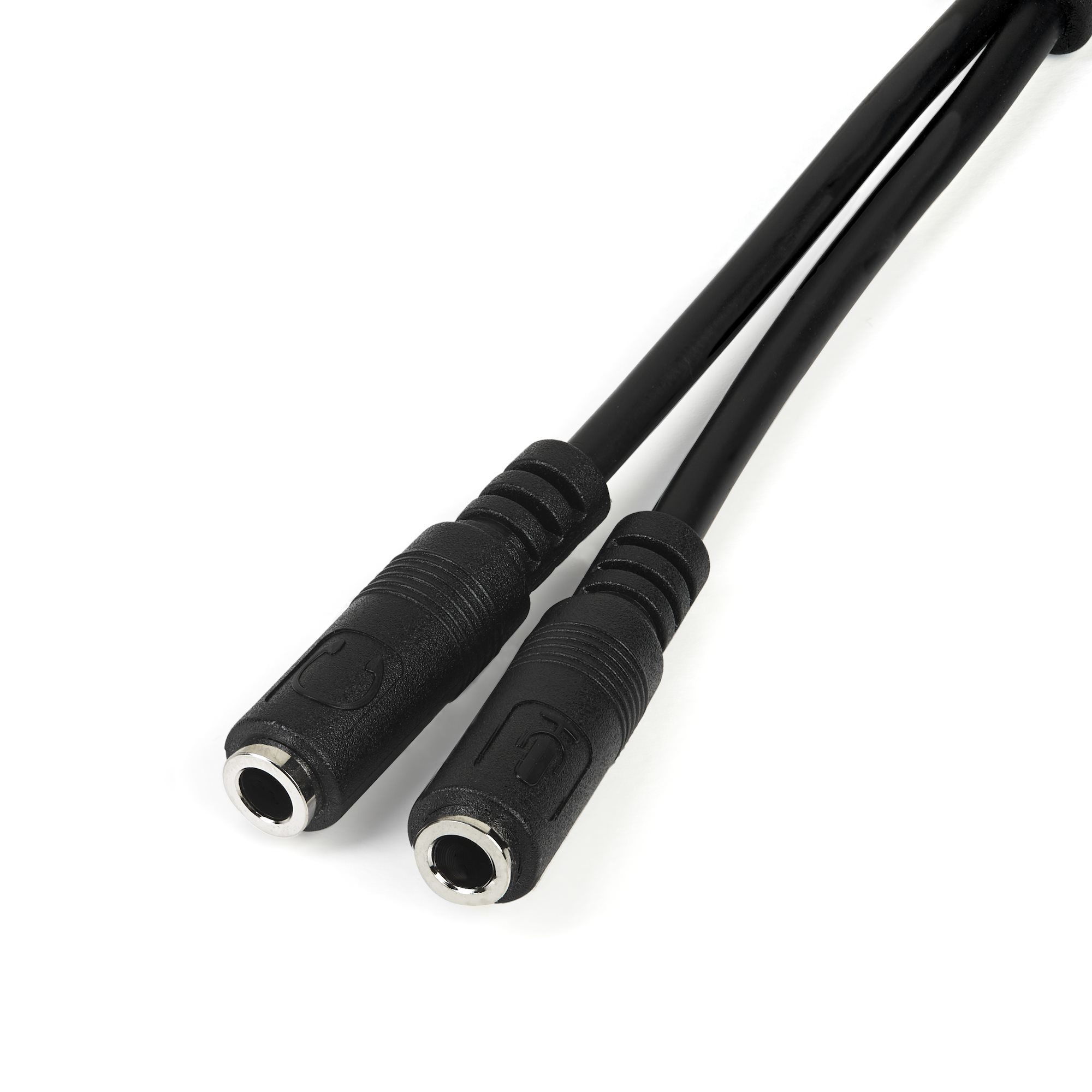
The MUYHSMFF headset adapter features two 3.5mm 3-position ports that provide a separate headphone and microphone connection that can be connected to the single audio port on your laptop. Alternatively, you can also connect a separate microphone and powered speakers if you prefer to use Skype or chat online without using a headset.
Headset Connectivity
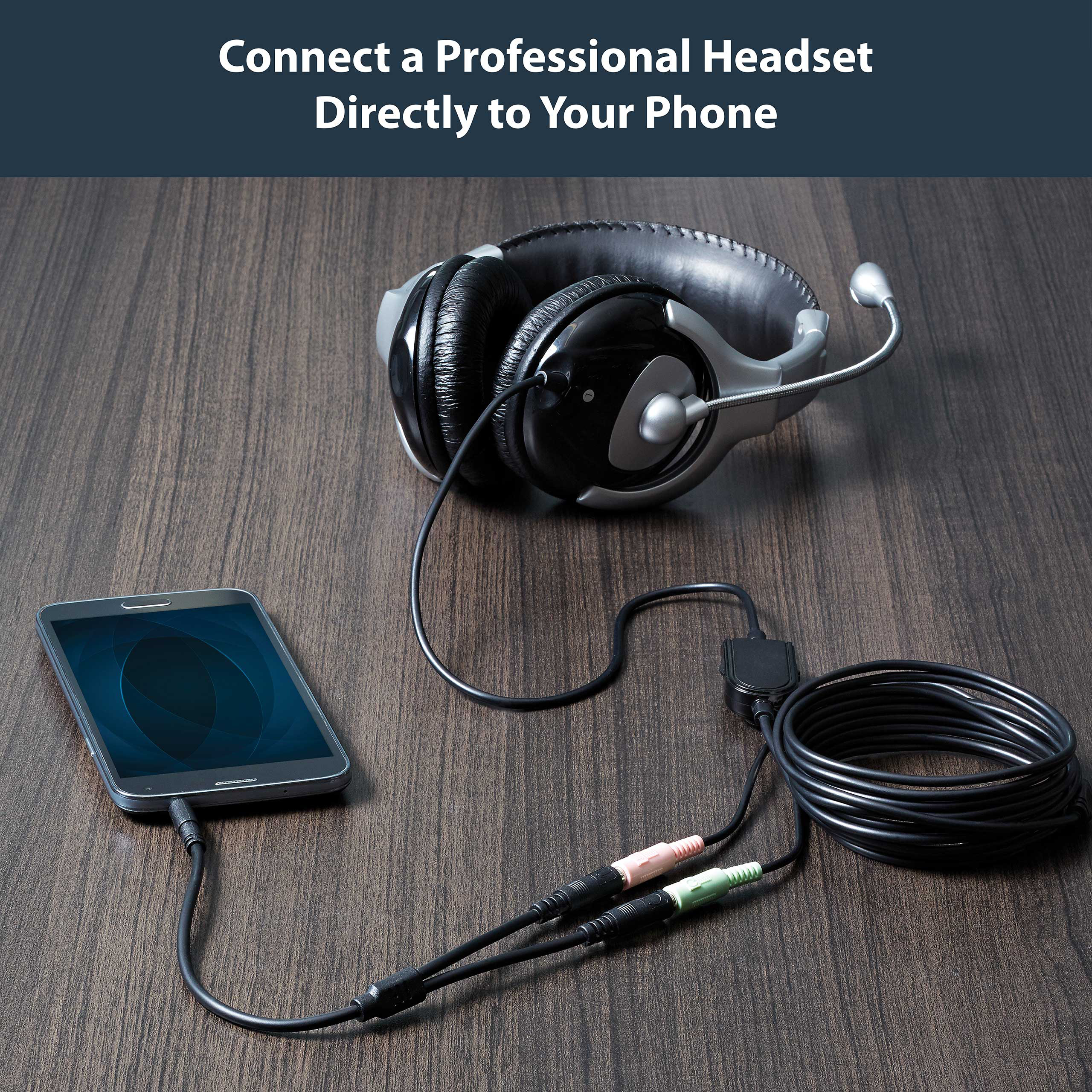
Simply connect the headphone plug from your headset into the audio output port marked with the headphone symbol, and connect the microphone plug into the audio input port marked with the microphone symbol. Plug the adapter into audio port on your laptop and you’re all set.
Microphone and Powered Speaker Connectivity
Want to work or game without using a headset?
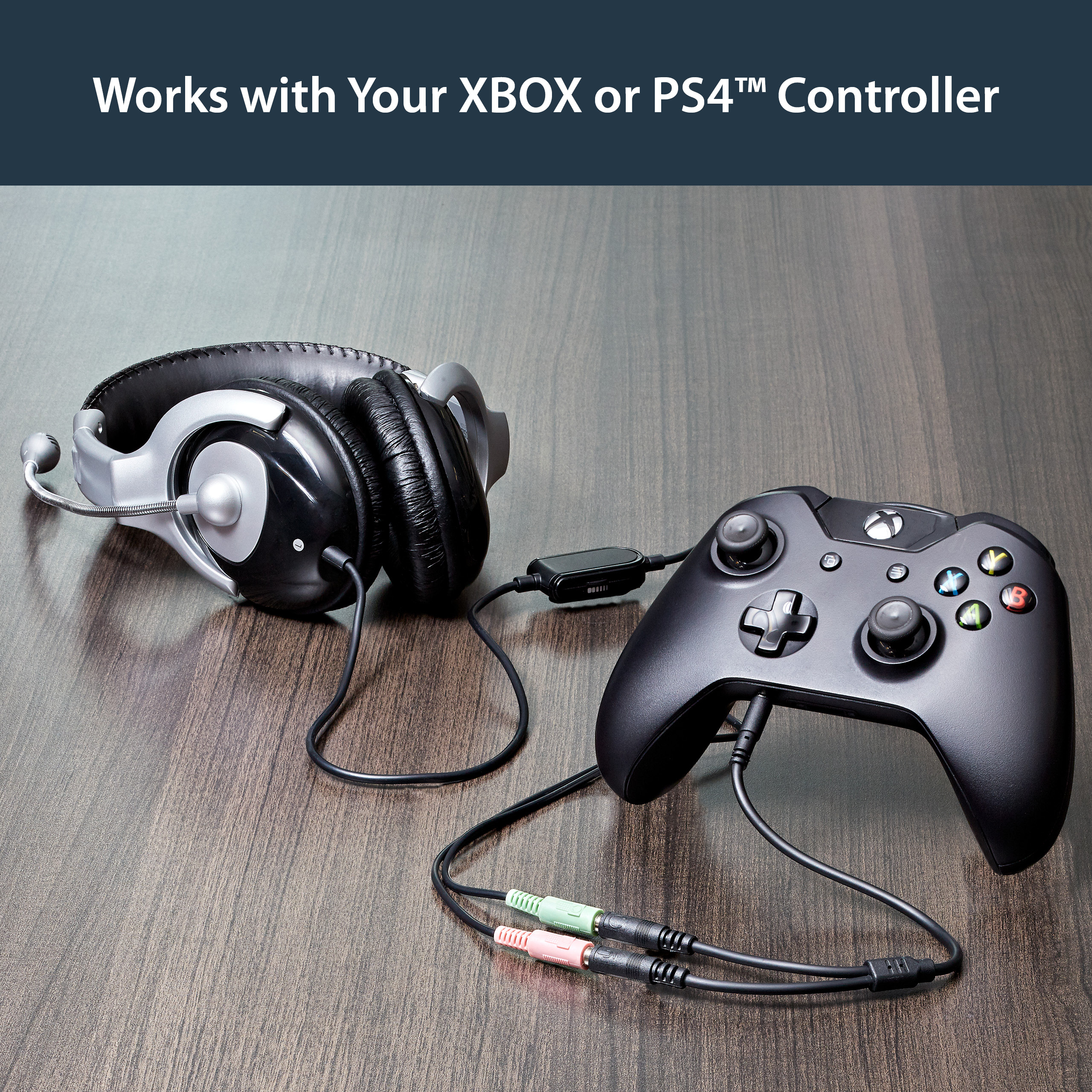
You can also connect a microphone and powered speakers to your laptop using the adapter. Just plug in your microphone into the audio input port marked with the microphone symbol, and plug your powered speakers into the audio output port marked with the headphone symbol, and connect the adapter to the audio port on your laptop.
Keep in touch while you travel
Are you travelling for work or taking a trip?
The headset adapter features a compact and sturdy design that makes it the perfect solution for mobile applications.
Tuck the adapter in with your tablet or slip it inside another carrying case. It works great with tablets and smartphones that have a single audio port. Just connect the headphone and microphone plugs from your headset into the adapter, connect the adapter to your mobile device and start talking.
This high quality 3.5mm headset adapter is backed by StarTech.com's lifetime warranty.
Please note:
This adapter is not a headphone splitter or Y-cable. It cannot be used to split the audio output to two separate sets of headphones or speakers.
Some laptops and mobile devices will not work with all external microphones. This is typically caused by an impedance mismatch between the microphone and the device. This is due to hardware incompatibility and is not a limitation of the MUYHSMFF adapter.
The StarTech.com Advantage
- Turns a 3.5mm combo headphone/microphone port into two distinct ports – one 3.5mm headphone jack and one 3.5mm microphone port
- Allows the use of older audio accessories with newer computers
Most new laptops and Ultrabooks come equipped with a single 3.5mm 4-position (4pin) audio port that supports both audio input and output. A great number of headsets on the market come equipped with two separate headphone and microphone connectors that are not compatible with this new configuration.
The MUYHSMFF headset adapter features two 3.5mm 3-position ports that provide a separate headphone and microphone connection that can be connected to the single audio port on your laptop. Alternatively, you can also connect a separate microphone and powered speakers if you prefer to use Skype or chat online without using a headset.
Headset Connectivity
Simply connect the headphone plug from your headset into the audio output port marked with the headphone symbol, and connect the microphone plug into the audio input port marked with the microphone symbol. Plug the adapter into audio port on your laptop and you’re all set.
Microphone and Powered Speaker Connectivity
Want to work or game without using a headset?
You can also connect a microphone and powered speakers to your laptop using the adapter. Just plug in your microphone into the audio input port marked with the microphone symbol, and plug your powered speakers into the audio output port marked with the headphone symbol, and connect the adapter to the audio port on your laptop.
Keep in touch while you travel
Are you travelling for work or taking a trip?
The headset adapter features a compact and sturdy design that makes it the perfect solution for mobile applications.
Tuck the adapter in with your tablet or slip it inside another carrying case. It works great with tablets and smartphones that have a single audio port. Just connect the headphone and microphone plugs from your headset into the adapter, connect the adapter to your mobile device and start talking.
This high quality 3.5mm headset adapter is backed by StarTech.com's lifetime warranty.
Please note:
This adapter is not a headphone splitter or Y-cable. It cannot be used to split the audio output to two separate sets of headphones or speakers.
Some laptops and mobile devices will not work with all external microphones. This is typically caused by an impedance mismatch between the microphone and the device. This is due to hardware incompatibility and is not a limitation of the MUYHSMFF adapter.
The StarTech.com Advantage
- Turns a 3.5mm combo headphone/microphone port into two distinct ports – one 3.5mm headphone jack and one 3.5mm microphone port
- Allows the use of older audio accessories with newer computers
Accessories / Others also bought
Audio Cables
Please login to view prices
Audio Splitters
Please login to view prices


 Andorra
 Austria
 Belgium
 Bulgaria
 Croatia
 Cyprus
 Czechia
 Denmark
 Estonia
 Finland
 France
 Georgia
 Germany
 Greece
 Hungary
 Iceland
 Ireland
 Israel
 Italy
Italy Latvia
 Lithuania
 Luxembourg
 Malta
Malta Monaco
 Montenegro
 Netherlands
 North Macedonia
 Norway
 Poland
 Portugal
 Republic of Moldova
 Romania
 San Marino
 Serbia
 Slovakia
 Slovenia
 Spain
Spain Sweden
 Switzerland
 Turkey
 United Kingdom
 Canada
 Mexico
 United States
 Australia
 Philippines
 India
India Singapore
 United Arab Emirates