StarTech.com 10G2A1C25EPD-USB-HUB interface hub USB 3.2 Gen 2 (3.1 Gen 2) Type-C Gray
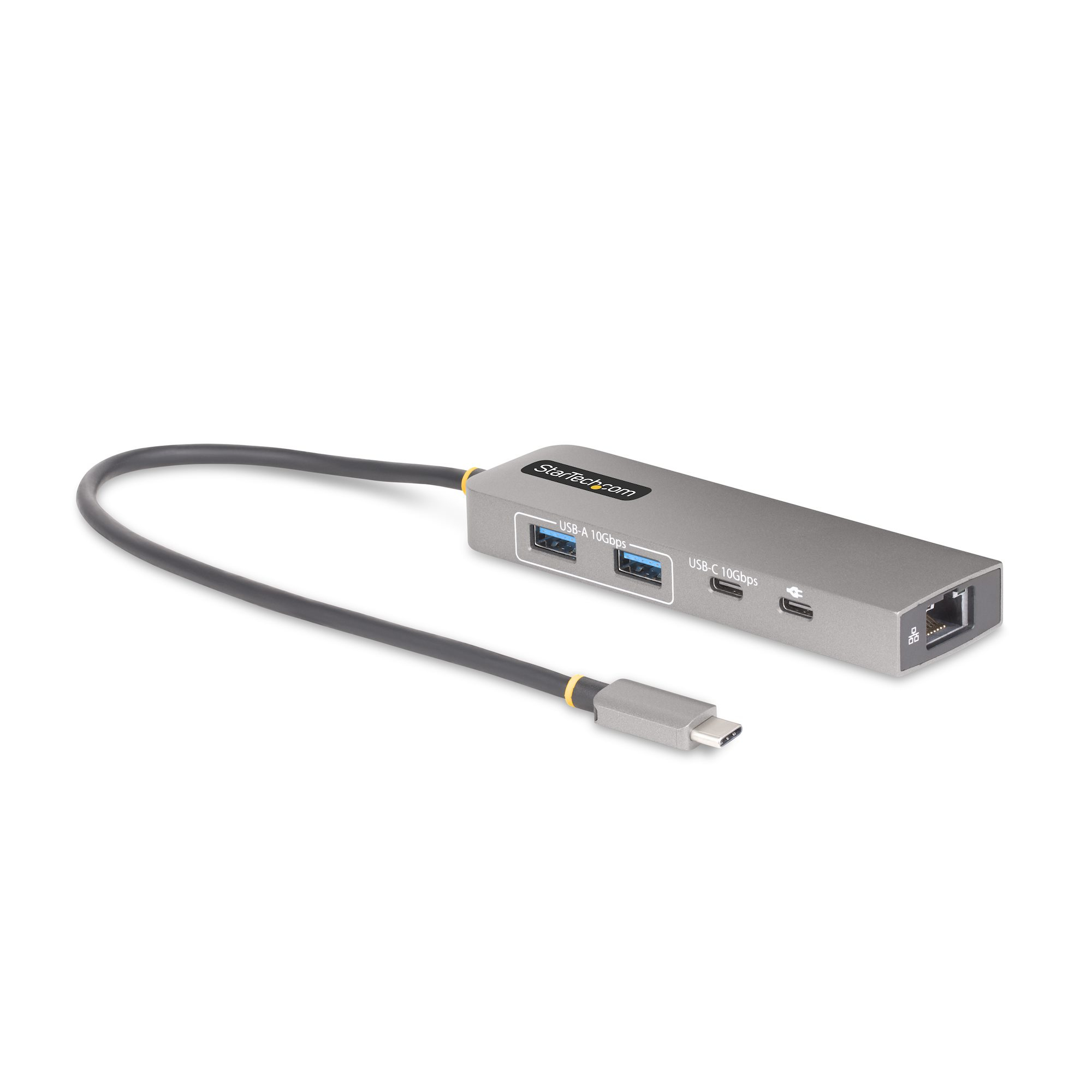
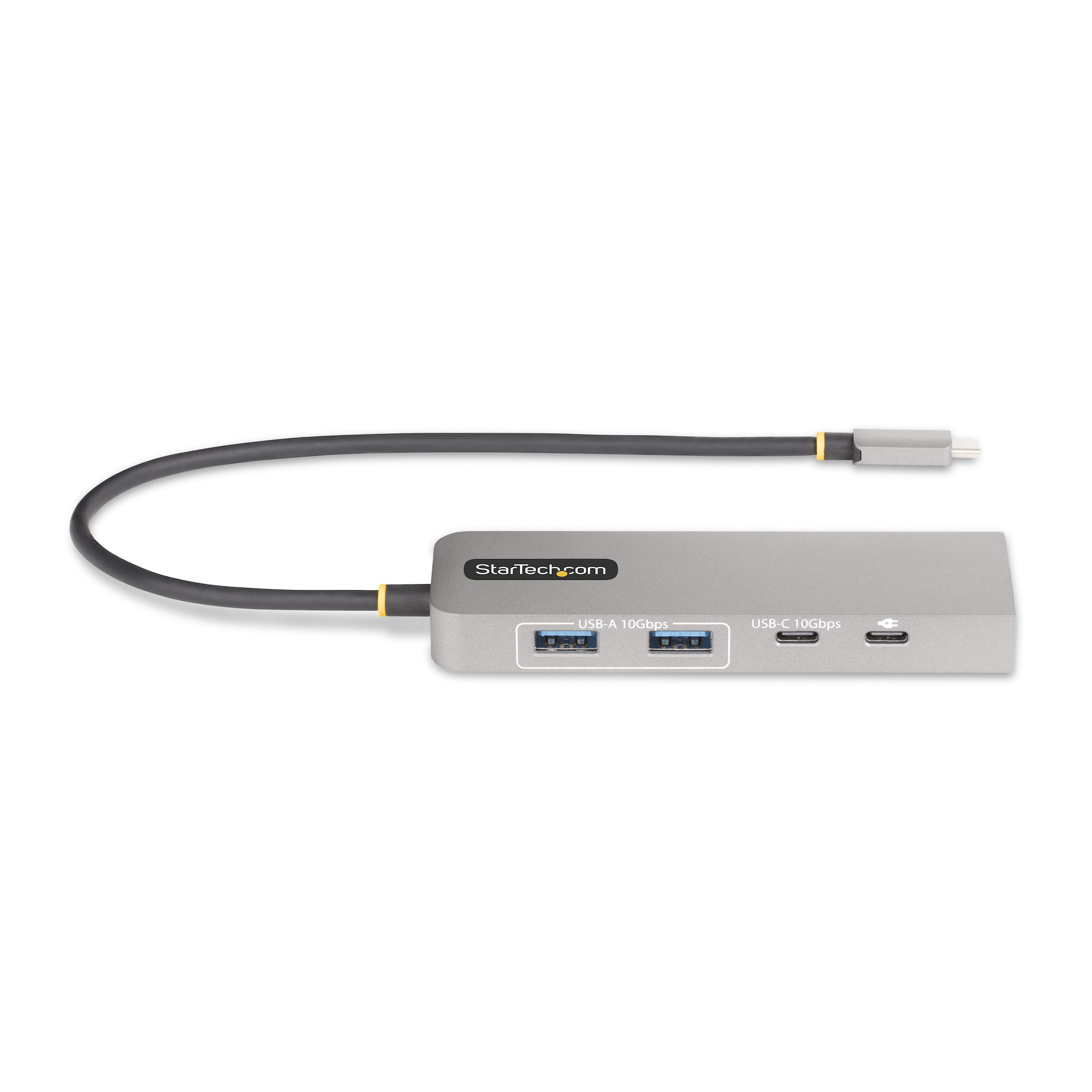
StarTech.com 3-Port USB-C Hub, 2.5 Gbps Ethernet, 100W PD Pass-Through Port, USB 3.2 10Gbps, 2x USB-A/1x USB-C, Portable Hub
0 ratings
Product category
Vendor
Part number
On the market since
Warranty from StarTech.com


Details about the product
Specifications
|
|||||||||||||||||||||||||||||||||||||||||||||||||||||||||||||
General product description from the vendor
PLEASE NOTE: Below description comes directly from the vendor and may describe information relating to the entire product-series. We also recommend that you verify that the product you are looking at has the specifications that you require before ordering. You are always welcome to chat with us we are happy to help with any information you may require.
Enable 2.5G ethernet, 100W PD pass-through, and add three USB 3.2 10Gbps ports, using this portable adapter
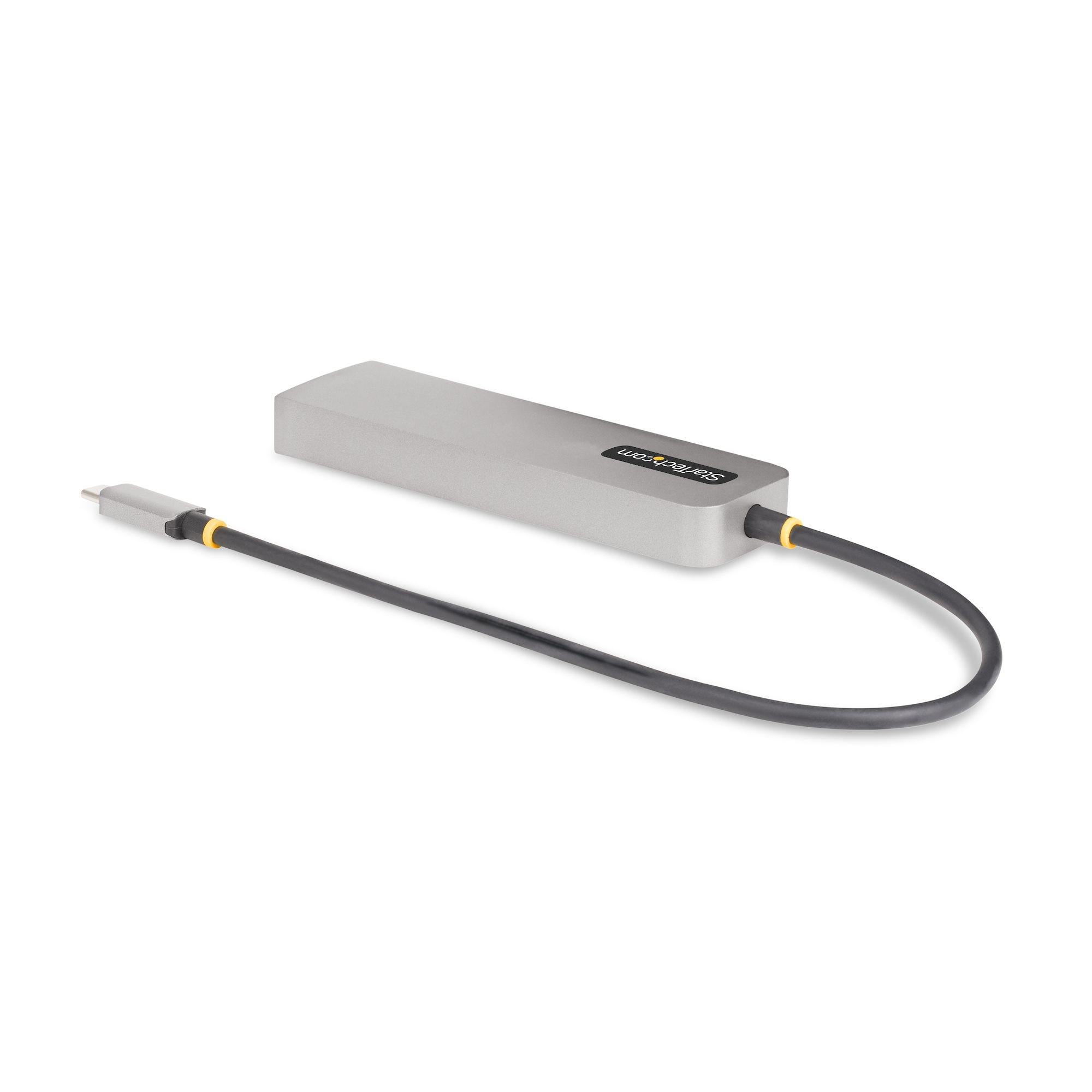
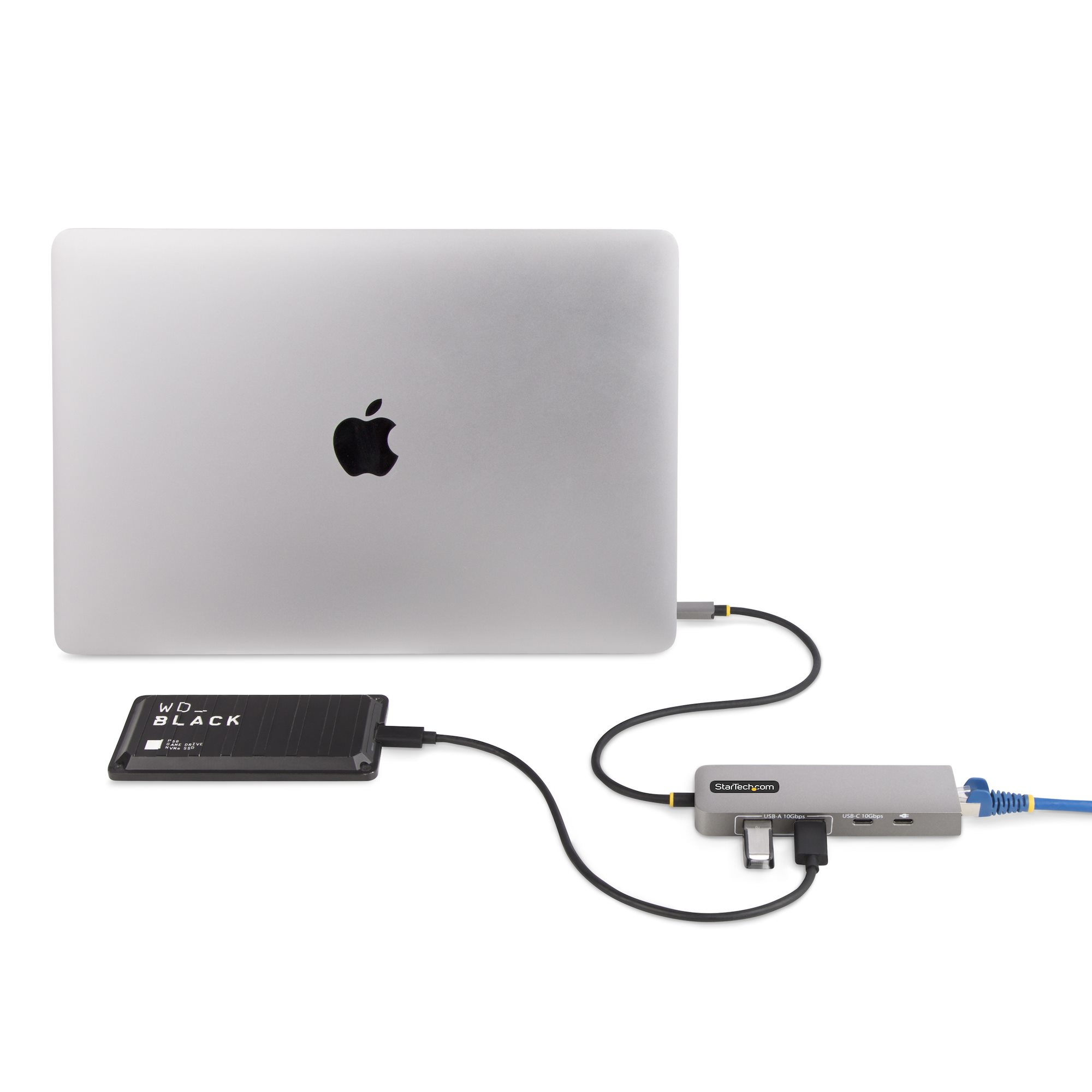
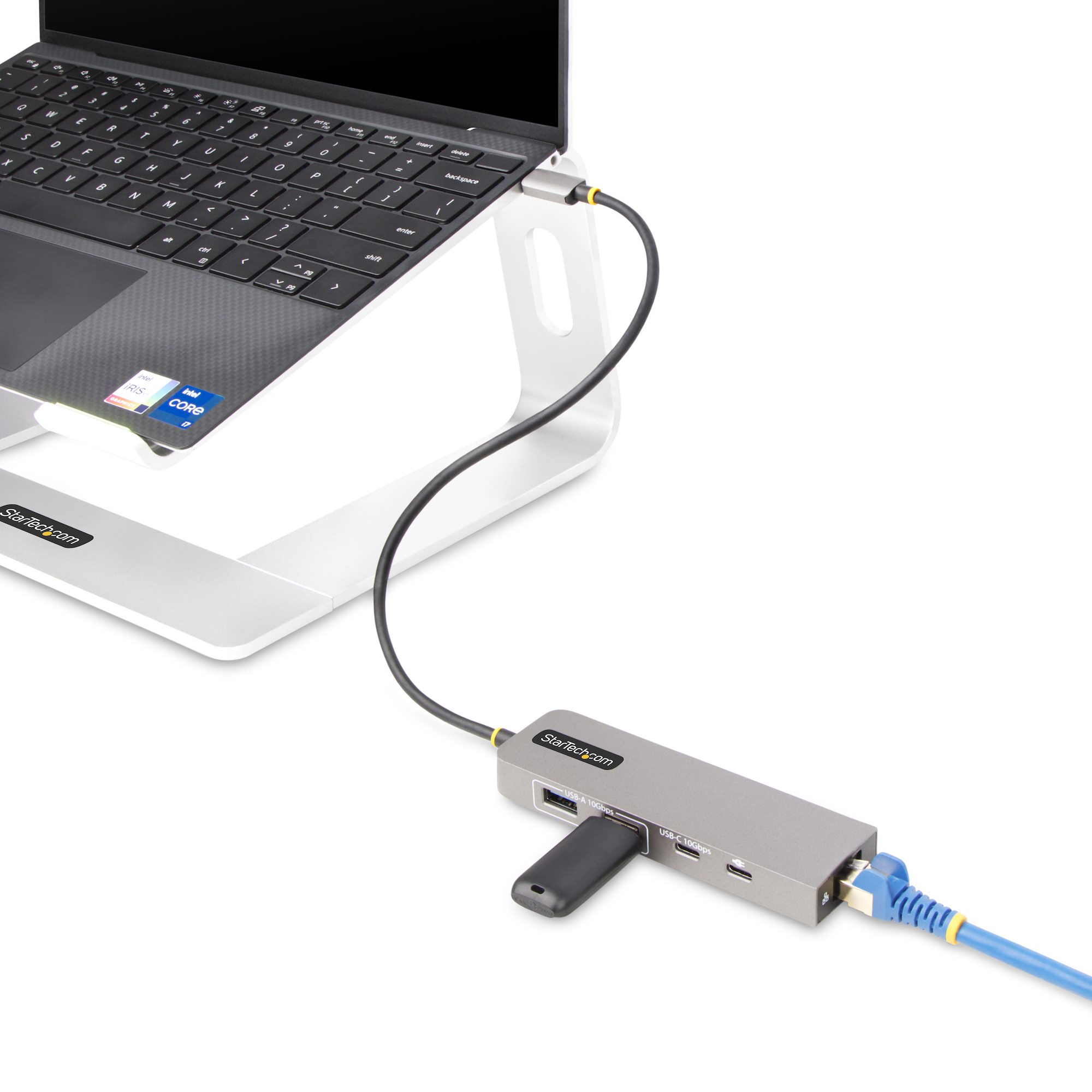
This USB Type-C Hub with 2.5Gigabit Ethernet and 100W USB Power Delivery Pass-Through adds three USB 3.2 Gen 2 (10Gbps) ports (2x USB-A, 1x USB-C) to a USB-C enabled computer. Connect the USB hub to a USB-C port on a laptop, using the built-in 1ft (30cm) USB-C host cable. Charge a host laptop by connecting the host laptop's USB-C power supply to the USB Power Delivery (PD) 3.0 port. Backward compatibility with USB 2.0 (480Mbps) devices ensures support for a wide range of modern and legacy USB peripherals.
2.5 Gigabit Ethernet
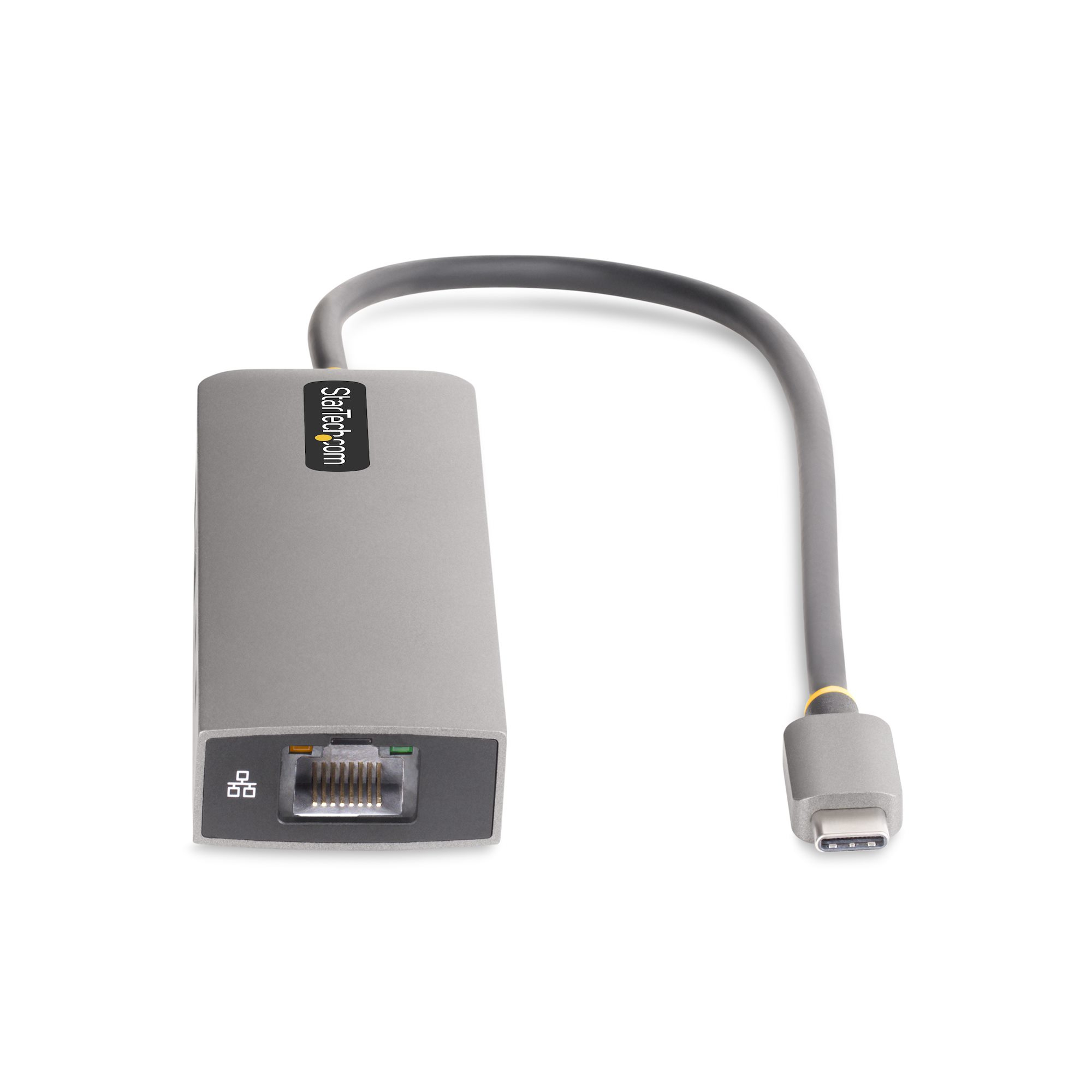
The USB hub features a 2.5 Gigabit Ethernet adapter. The Ethernet controller is compatible with the IEEE 802.3bz standard (2.5GBASE-T/NBASE-T) and supports Wake-on-LAN (WoL), Jumbo Frames, and V-LAN Tagging. The network adapter enhances network reliability, security, and performance at speeds of up to 10/100/1000/2500Mbps.
USB Power Delivery Pass-Through
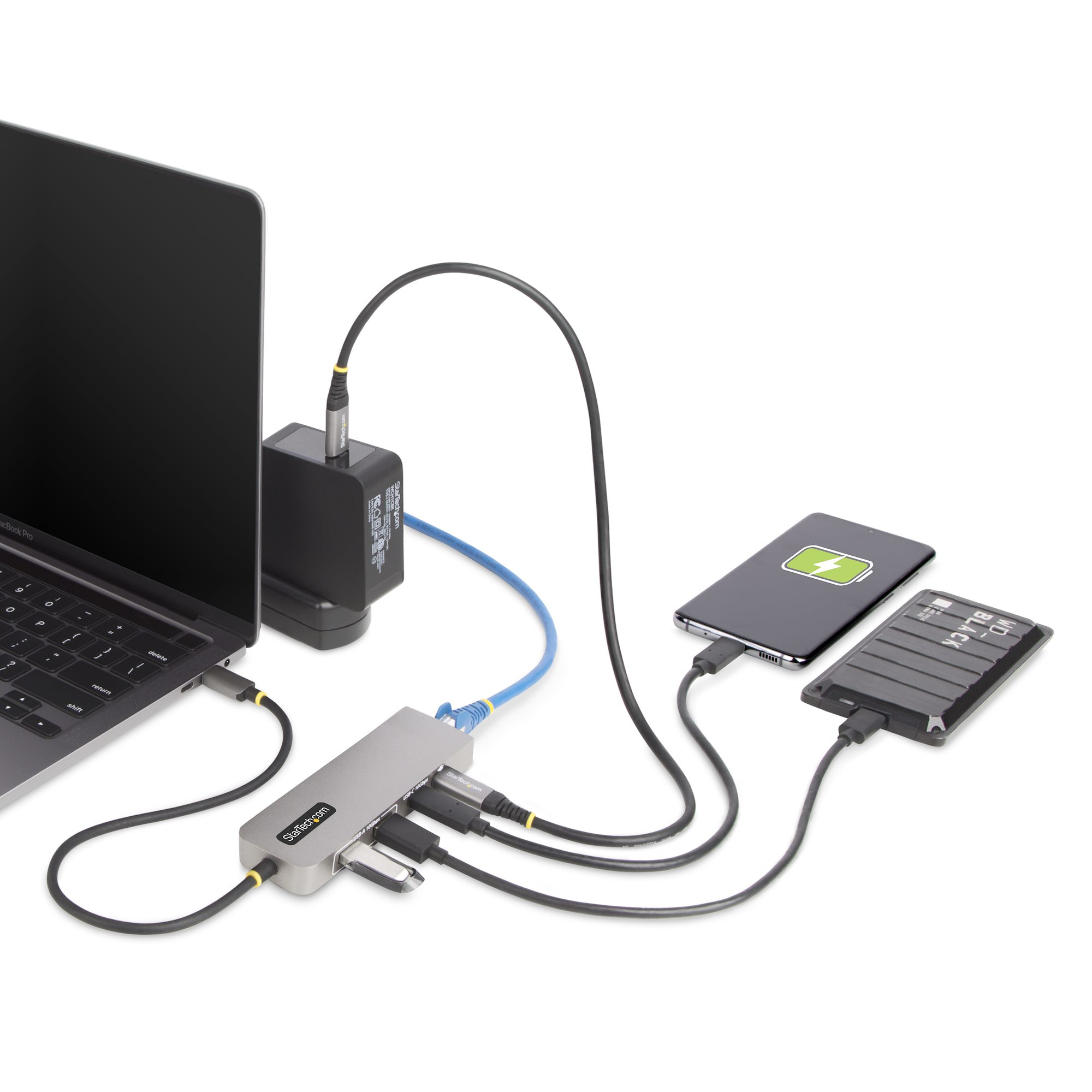
This USB hub features 100W USB Power Delivery 3.0 pass-through (85W laptop charging). Connect a power source to the PD pass-through port to power the connected host device. PD 3.0 features Fast Role Swap (FRS) to prevent USB data disruption when switching power sources (USB-C power adapter to bus power).
This Power is dynamically shared across the downstream ports. For added protection to the USB hub and any connected devices, the USB hub features Overcurrent Protection (OCP). OCP prevents faulty USB peripherals from drawing more power than is safely allocated.
Plug and Play
This device is compatible with all major operating systems, including Windows, macOS, ChromeOS, iPadOS, and Android. The Hub is automatically detected, configured, and installed upon connection to a host computer.
Enhance Productivity and Device Management with the StarTech.com Connectivity Tools Application
Developed to improve performance and security, StarTech.com Connectivity Tools is the only software suite on the market that works with a wide range of IT connectivity accessories. The software suite includes:
•
USB Event Monitoring Utility: Track and log connected USB devices.
•
MAC Address Pass-Through Utility: Improve network security.
•
Wi-Fi Auto Switch Utility: Enable users to quickly access faster network speeds via wired LAN.
For more information and to download the StarTech.com Connectivity Tools application, please visit: www.StarTech.com/connectivity-tools
The StarTech.com Advantage
This USB Type-C Hub with 2.5Gigabit Ethernet and 100W USB Power Delivery Pass-Through adds three USB 3.2 Gen 2 (10Gbps) ports (2x USB-A, 1x USB-C) to a USB-C enabled computer. Connect the USB hub to a USB-C port on a laptop, using the built-in 1ft (30cm) USB-C host cable. Charge a host laptop by connecting the host laptop's USB-C power supply to the USB Power Delivery (PD) 3.0 port. Backward compatibility with USB 2.0 (480Mbps) devices ensures support for a wide range of modern and legacy USB peripherals.
2.5 Gigabit Ethernet
The USB hub features a 2.5 Gigabit Ethernet adapter. The Ethernet controller is compatible with the IEEE 802.3bz standard (2.5GBASE-T/NBASE-T) and supports Wake-on-LAN (WoL), Jumbo Frames, and V-LAN Tagging. The network adapter enhances network reliability, security, and performance at speeds of up to 10/100/1000/2500Mbps.
USB Power Delivery Pass-Through
This USB hub features 100W USB Power Delivery 3.0 pass-through (85W laptop charging). Connect a power source to the PD pass-through port to power the connected host device. PD 3.0 features Fast Role Swap (FRS) to prevent USB data disruption when switching power sources (USB-C power adapter to bus power).
This Power is dynamically shared across the downstream ports. For added protection to the USB hub and any connected devices, the USB hub features Overcurrent Protection (OCP). OCP prevents faulty USB peripherals from drawing more power than is safely allocated.
Plug and Play
This device is compatible with all major operating systems, including Windows, macOS, ChromeOS, iPadOS, and Android. The Hub is automatically detected, configured, and installed upon connection to a host computer.
Enhance Productivity and Device Management with the StarTech.com Connectivity Tools Application
Developed to improve performance and security, StarTech.com Connectivity Tools is the only software suite on the market that works with a wide range of IT connectivity accessories. The software suite includes:
•
USB Event Monitoring Utility: Track and log connected USB devices.
•
MAC Address Pass-Through Utility: Improve network security.
•
Wi-Fi Auto Switch Utility: Enable users to quickly access faster network speeds via wired LAN.
For more information and to download the StarTech.com Connectivity Tools application, please visit: www.StarTech.com/connectivity-tools
The StarTech.com Advantage


 Andorra
 Austria
 Belgium
 Bulgaria
 Croatia
 Cyprus
 Czechia
 Denmark
 Estonia
 Finland
 France
 Georgia
 Germany
 Greece
 Hungary
 Iceland
 Ireland
 Israel
 Italy
Italy Latvia
 Lithuania
 Luxembourg
 Malta
Malta Monaco
 Montenegro
 Netherlands
 North Macedonia
 Norway
 Poland
 Portugal
 Republic of Moldova
 Romania
 San Marino
 Serbia
 Slovakia
 Slovenia
 Spain
Spain Sweden
 Switzerland
 Turkey
 United Kingdom
 Canada
 Mexico
 United States
 Australia
 Philippines
 India
India Singapore
 United Arab Emirates